 ClientProof
Decision path
Choose ClientProof if...
- You want clients to see updates, files, and approvals in one link.
- You need faster signoffs with less recap messaging.
- You care about professional delivery visibility without login friction.
Google Drive and ClientProof serve fundamentally different purposes for client work. Drive is file storage infrastructure — excellent at holding and syncing files. ClientProof is client delivery software — built to present files, project status, and approval requests in a professional client-facing format. The comparison comes down to whether your clients need raw files or a professional delivery experience.
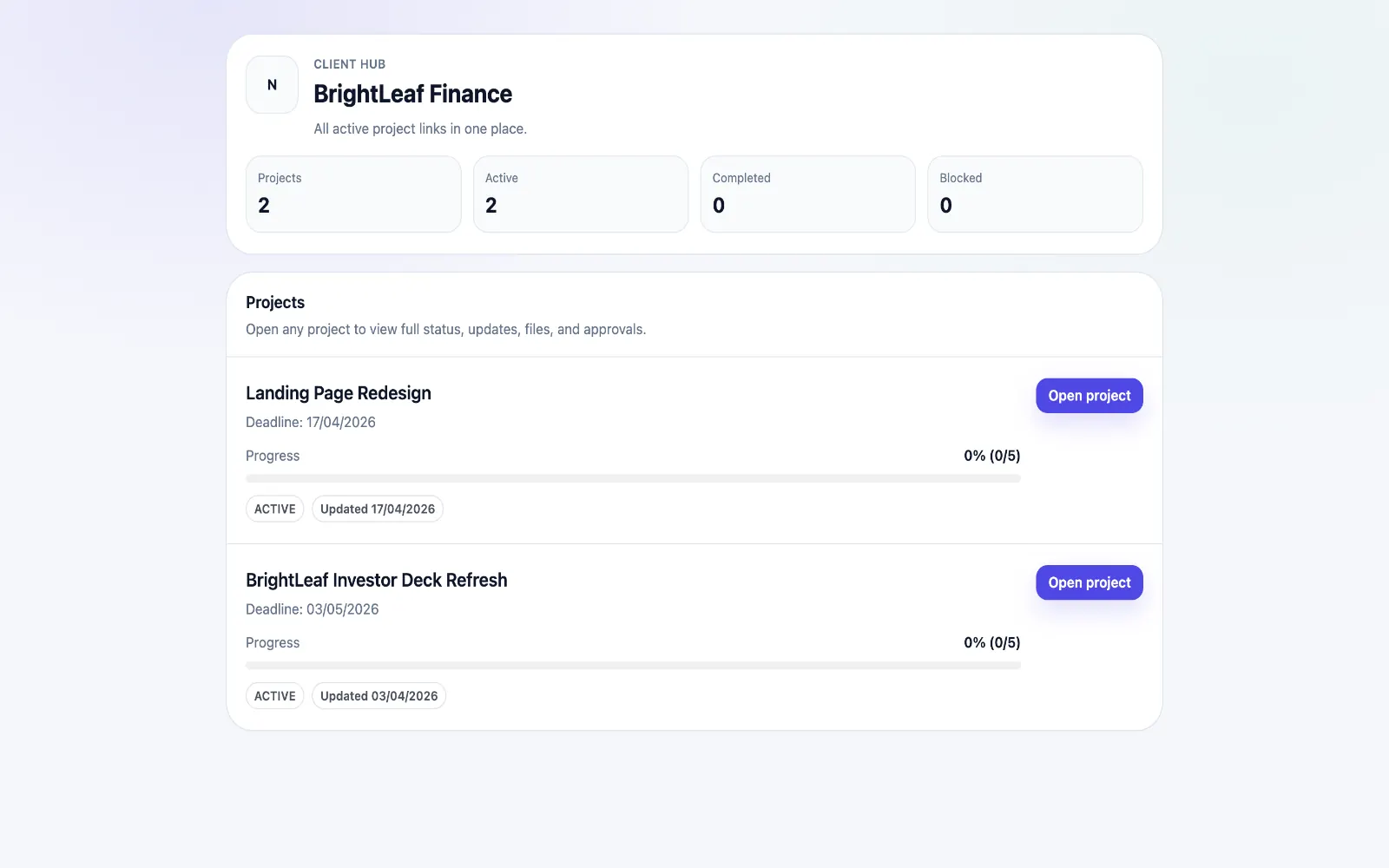
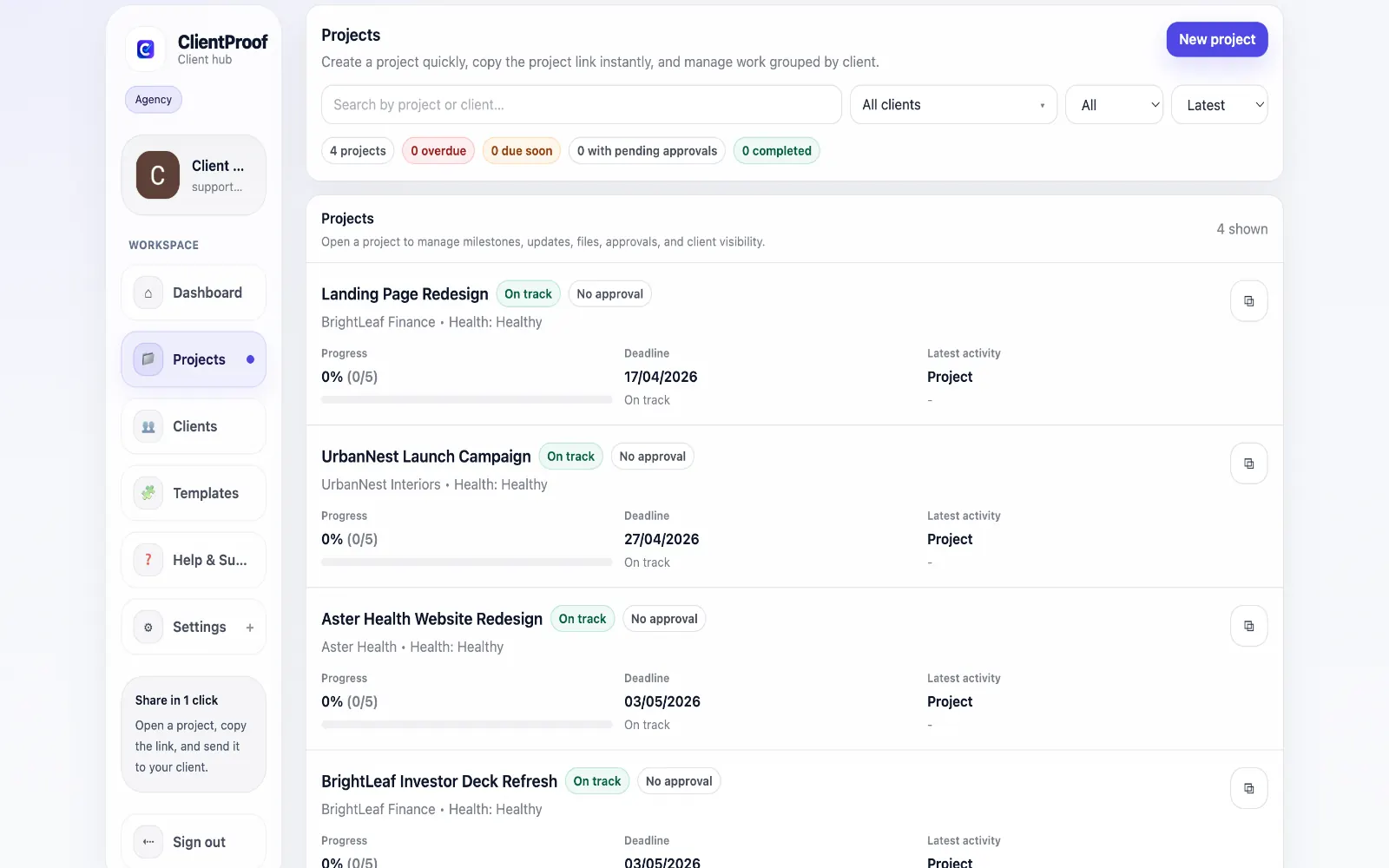
Google Drive is used by nearly every freelancer and agency for storing client files, and it works well for that purpose. The problem is that Drive was designed for internal team collaboration, not for professional client delivery. When you share a Drive folder with a client, they see a file browser — no project context, no milestone history, no indication of what is complete, in-progress, or pending their review. This creates predictable friction: clients cannot find the latest version, they do not know what needs their input, and you spend time answering 'can you resend?' and 'where are we on this?' messages that a proper delivery page would eliminate. ClientProof sits on top of your existing file storage workflow. You continue storing files wherever you choose. When a deliverable is ready for client review, you attach it to the relevant project milestone in ClientProof and publish an update. Clients see the file in context — with the project status, the milestone it belongs to, and any approval request attached to it.
Teams usually adopt this workflow to reduce repeated recap messages, avoid tool-switching confusion, and give clients one clear destination for updates, files, and decisions.
Use this matrix to evaluate whether ClientProof fits your client-delivery workflow better than alternatives.
| Feature | ClientProof | Google Drive |
|---|---|---|
| No-login client access | Yes | No — Google account required |
| Purpose-built for delivery | Yes | No — file storage tool |
| Client approval workflow | Yes — structured | No |
| Approval receipt | Yes — automatic | No |
| Project status updates | Yes | No |
| Client engagement tracking | Yes | No |
| Project report | Yes — PDF | No |
| Milestone context for files | Yes | No — flat folder structure |
| Price | $19/month flat | Free–$12/user/month |
| Per-client fees | None | Per seat |
| Best for | Client delivery portal | File storage and collaboration |
List the client delivery problems you currently have (late approvals, status confusion, scattered files).
Test ClientProof on one active project during the free plan.
Compare how clients respond to the link vs your current workflow.
Migrate remaining projects if response time and approval speed improve.
It depends on what you mean by delivery. Google Drive handles file storage and sharing reliably. But professional client delivery includes project status visibility, approval workflows, milestone context, and a client-appropriate experience — none of which Drive provides.
No. Most teams use both: Google Drive as the backend file storage system, and ClientProof as the client-facing delivery layer. You store files in Drive, attach them to project milestones in ClientProof, and share the ClientProof link with clients.
ClientProof is significantly better for client visibility. Drive gives clients a file browser with no project structure. ClientProof gives clients a project page with milestones, current status, what is complete, and what needs their review — all in a single professional view.
No. ClientProof is completely independent of Google. Clients open your ClientProof link without needing any account — not a Google account, not a ClientProof account, nothing.
Start free forever and share one clean client link for updates, files, and approvals.