 ClientProof
Decision path
Choose ClientProof if...
- You want clients to see updates, files, and approvals in one link.
- You need faster signoffs with less recap messaging.
- You care about professional delivery visibility without login friction.
ClientProof helps freelancers and agencies run structured client review cycles without losing decisions in email threads. Create review requests tied to specific deliverables, collect client feedback in context, record approvals with timestamps, and move projects forward without chasing clients for responses.
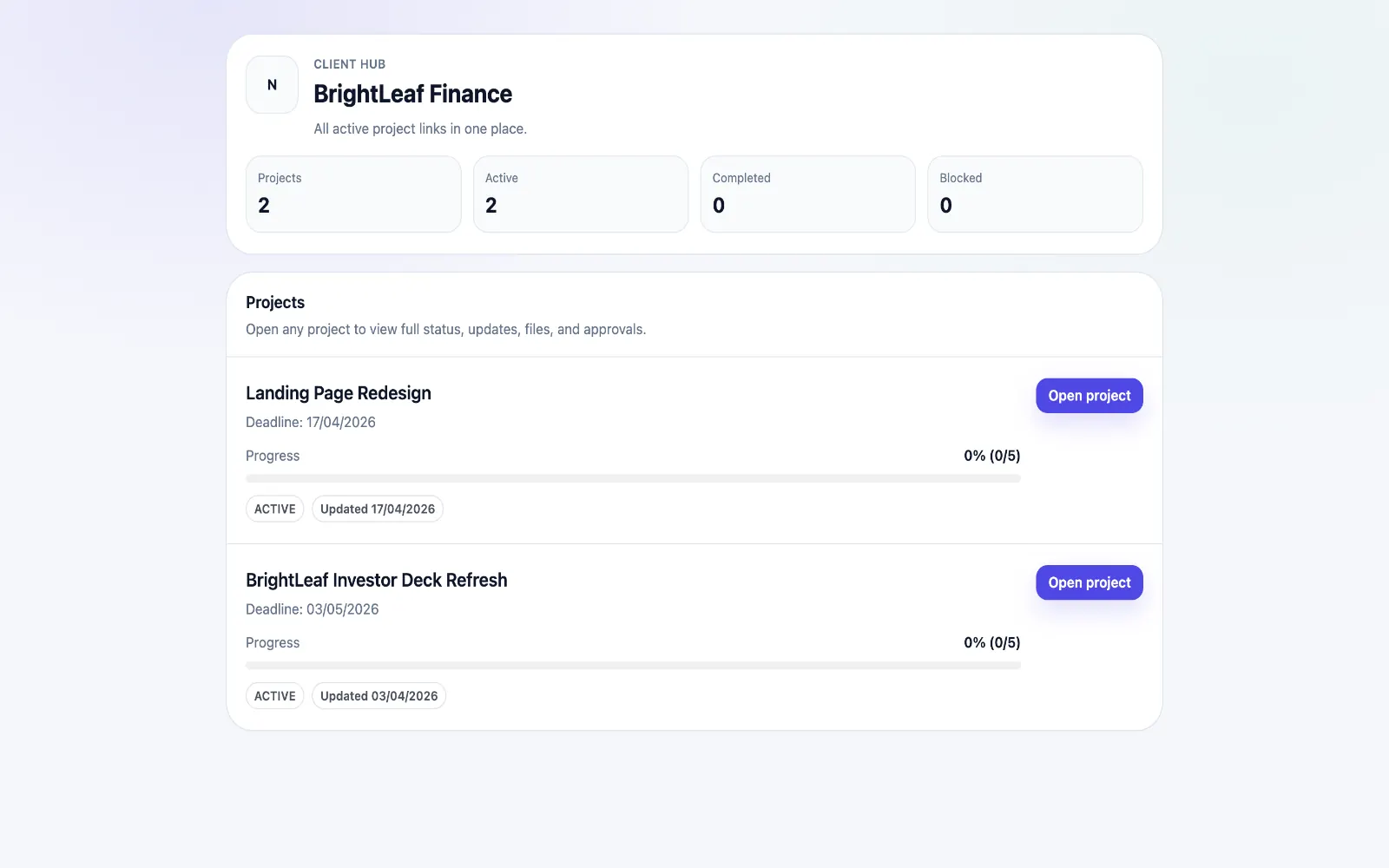
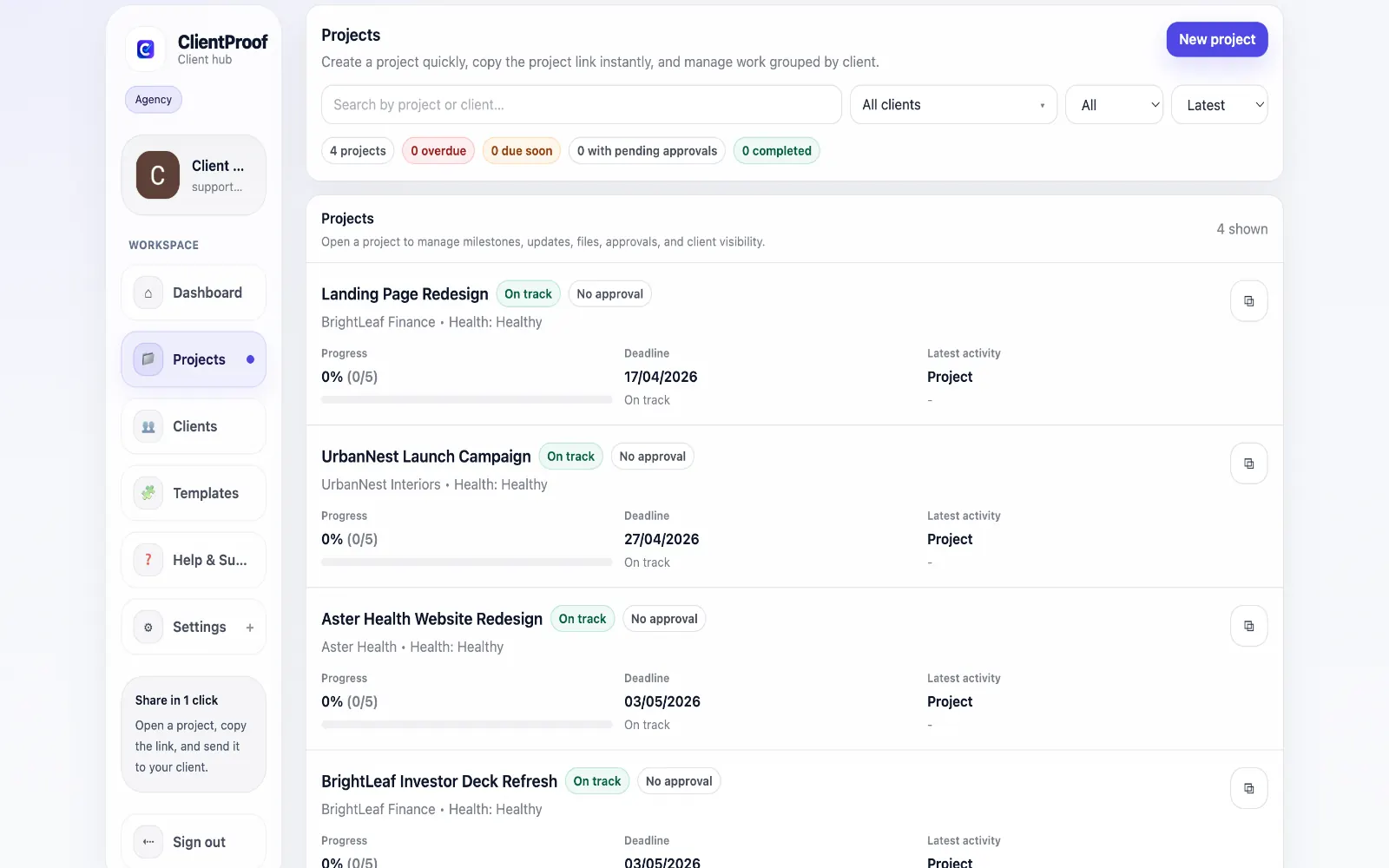
Client review cycles are where projects stall. A deliverable is sent for review and the client's response — if it comes — is buried in an email thread, unclear about which version it refers to, or forgotten entirely when the next email arrives with new questions. ClientProof structures the review process. You publish a deliverable to the project page, create an approval request, and the client is notified. They open the page, see the deliverable in project context, and respond — approve, request changes, or leave a comment. The decision is recorded in the project page and stays associated with the specific deliverable and milestone. This changes how revision conversations happen. Instead of 'see my email from last Tuesday about version 3,' you can point directly to a specific milestone and its approval history. The entire review record is in one place, both parties can reference it, and there is no ambiguity about what was agreed.
Teams usually adopt this workflow to reduce repeated recap messages, avoid tool-switching confusion, and give clients one clear destination for updates, files, and decisions.
Use this matrix to evaluate whether ClientProof fits your client-delivery workflow better than alternatives.
| Feature | ClientProof | Alternative |
|---|---|---|
| No-login client access | Yes | Varies by tool |
| Status + files in one client view | Built-in | Often split across tools |
| Client approval clarity | Structured | Commonly scattered |
| Setup speed for first project | Fast | Can require extra configuration |
| Best fit | Freelancers and agencies focused on delivery visibility | Other tools |
| Winner | Best for client-facing delivery clarity | Best for broader or internal workflows |
Define the workflow outcome and required client checkpoints.
Map updates, files, and approvals to each project phase.
Launch one client-facing page and route all status communication through it.
Measure fewer clarification messages and faster approvals after rollout.
Yes. Each revision can be published as a new update on the same milestone, with its own approval request. Clients can see the full revision history in order — initial draft, revisions, and final approved version — all organized chronologically within the project page.
Yes. Each milestone's approval state is visible on the project page. Clients and freelancers can both see whether a deliverable is pending review, has been approved, or has revision requests attached.
For most freelancers and agencies, significantly better. Email review threads lose context quickly — the decision gets separated from the deliverable, revision requests get mixed with unrelated messages, and approved versions become hard to identify. ClientProof keeps every review decision attached to the specific deliverable it refers to.
By making the review action as simple as possible for clients. They open one link, see the deliverable with context, and click Approve or leave feedback. There is no account to create, no email to compose, and no hunting for the right attachment.
Start free forever and share one clean client link for updates, files, and approvals.