 ClientProof
Decision path
Choose ClientProof if...
- You want clients to see updates, files, and approvals in one link.
- You need faster signoffs with less recap messaging.
- You care about professional delivery visibility without login friction.
Generate a complete executive project summary at any stage with milestones, updates, files delivered, and approval history in one printable report.
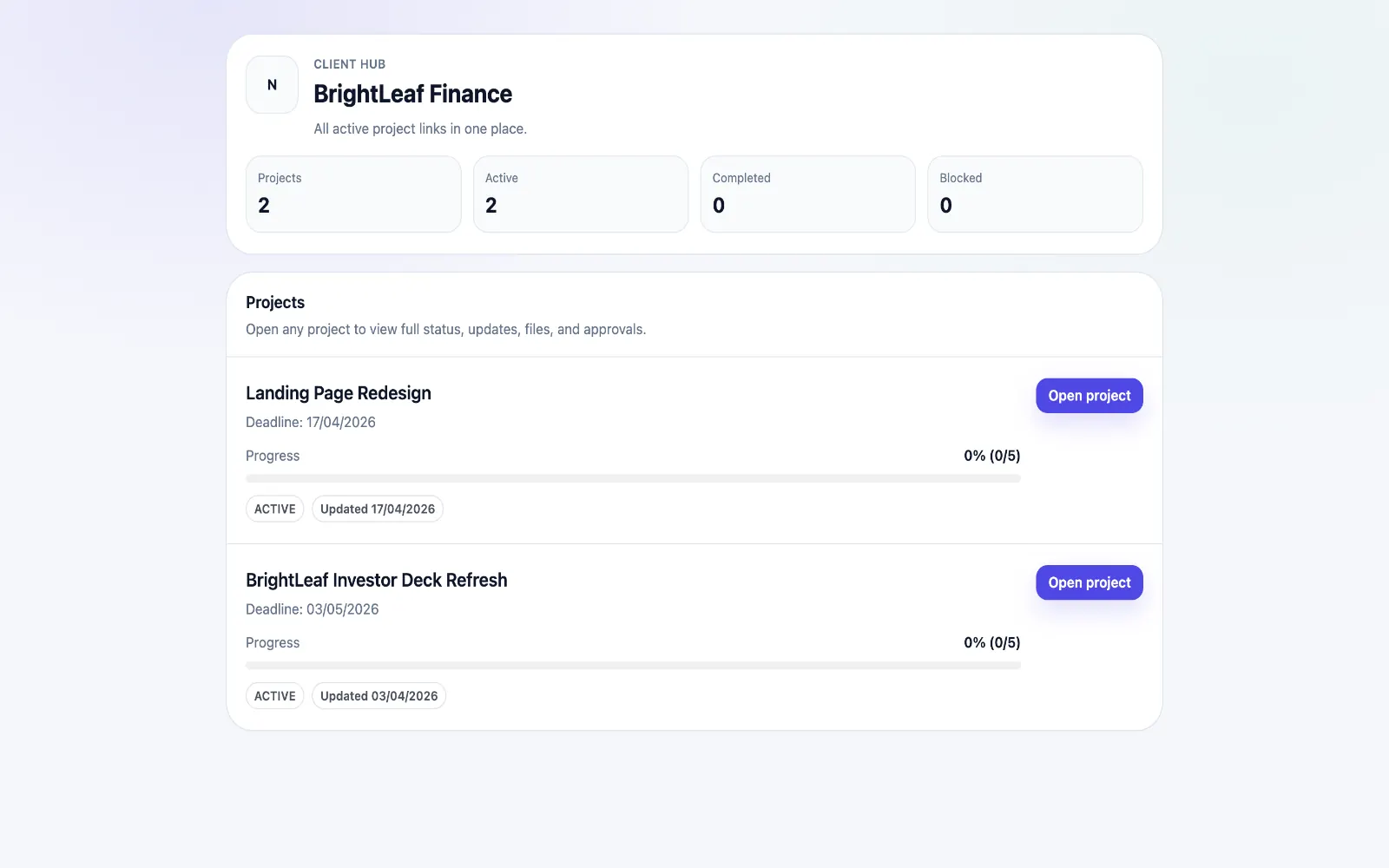
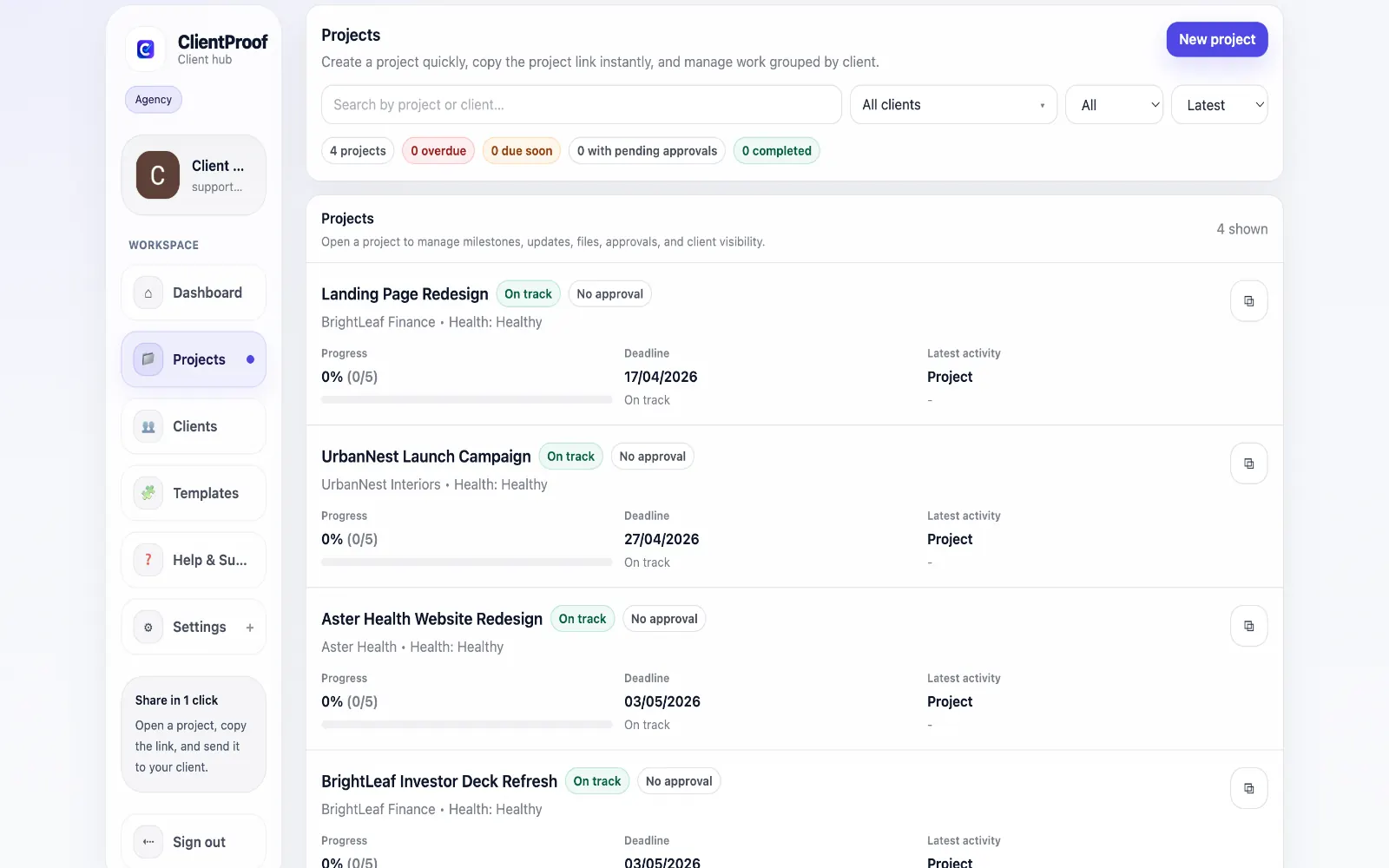
Manual end-of-project summaries are usually built from memory, scattered notes, and old message threads. They take time to compile, vary by team member, and often miss key approval or delivery details that clients care about. ClientProof generates a project report directly from live project data. The report includes project name, client, status, timeline, progress metrics, milestone completion states, all updates posted, all files delivered, approval request history, and full approval decision logs. Teams use the report at project close as a formal handoff, mid-project as a stakeholder snapshot, and internally as an archive document. Because formatting is automatic and consistent, agencies can produce polished summaries in one click instead of spending 30 to 60 minutes writing each one manually.
Teams usually adopt this workflow to reduce repeated recap messages, avoid tool-switching confusion, and give clients one clear destination for updates, files, and decisions.
Use this matrix to evaluate whether ClientProof fits your client-delivery workflow better than alternatives.
| Feature | ClientProof | Manual status email |
|---|---|---|
| No-login client access | Yes | Varies by tool |
| Status + files in one client view | Built-in | Often split across tools |
| Client approval clarity | Structured | Commonly scattered |
| Setup speed for first project | Fast | Can require extra configuration |
| Best fit | Freelancers and agencies focused on delivery visibility | Other tools |
| Winner | Best for client-facing delivery clarity | Best for broader or internal workflows |
Create a project in ClientProof and define your milestones.
Upload deliverables and attach approval requirements to each one.
Send your client the project link — they open it with no login required.
View the approval audit trail as decisions come in — no email chasing needed.
The project report includes the project name, client, status, timeline, all milestones and their completion status, all updates posted, all files delivered, all approval requests, and the complete approval decision history. This gives clients a clear source of truth for status, files, and pending decisions.
Yes. The project report can be printed or saved as a PDF and shared with the client as a formal project summary or handoff document.
The project report is most commonly generated at project close as a professional handoff document, but can be generated at any point to share a progress snapshot with a stakeholder or keep an internal record. This is most effective once projects involve recurring updates, handoffs, or multi-stakeholder reviews.
Yes. The report pulls all project data automatically and formats it into a clean, printable document. No manual formatting is required.
Start free forever and share one clean client link for updates, files, and approvals.