 ClientProof
Decision path
Choose ClientProof if...
- You want clients to see updates, files, and approvals in one link.
- You need faster signoffs with less recap messaging.
- You care about professional delivery visibility without login friction.
When a client approves a deliverable in ClientProof, a timestamped receipt is generated automatically with a verification code, the client name, the exact file approved, and a confirmation statement.
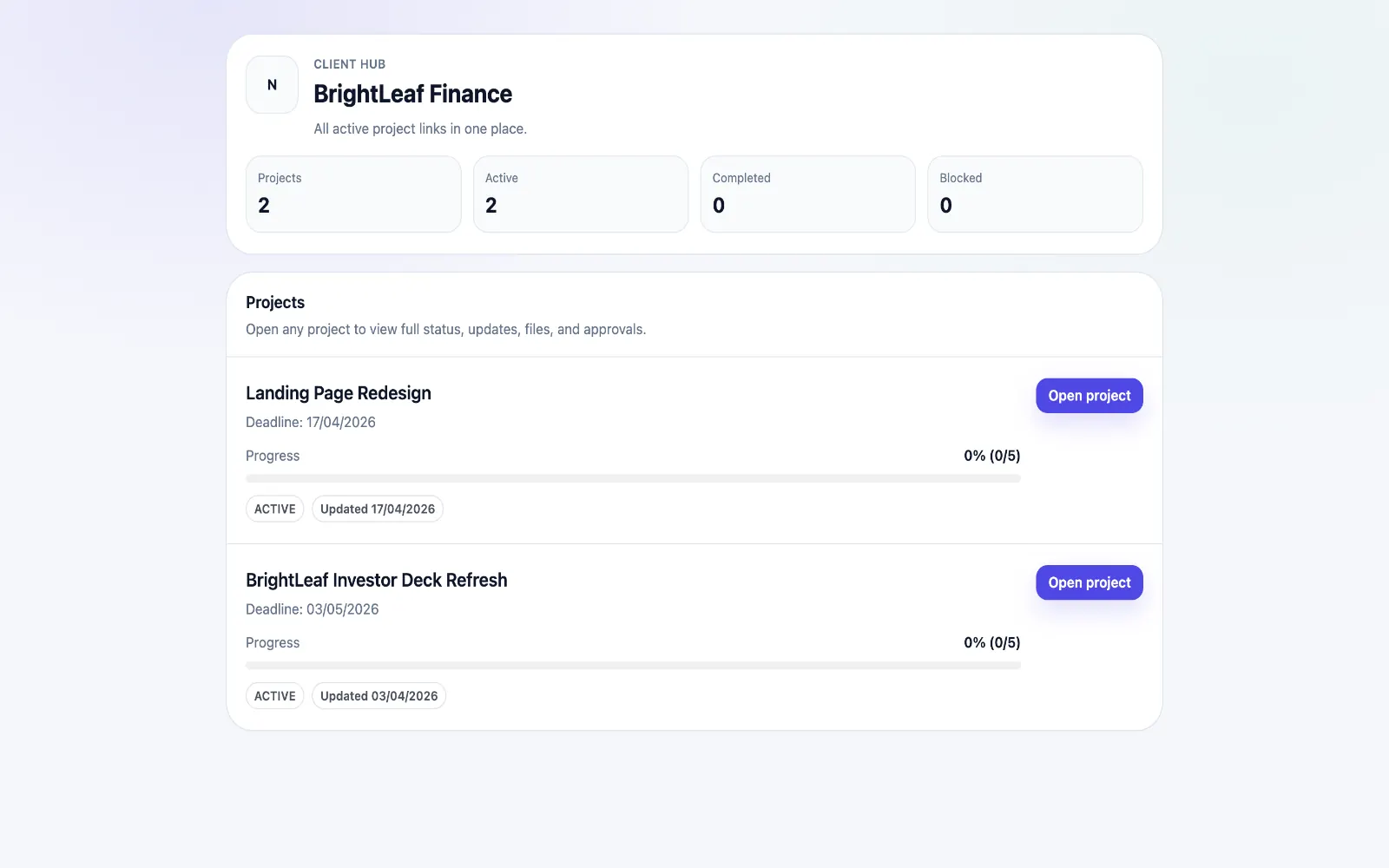
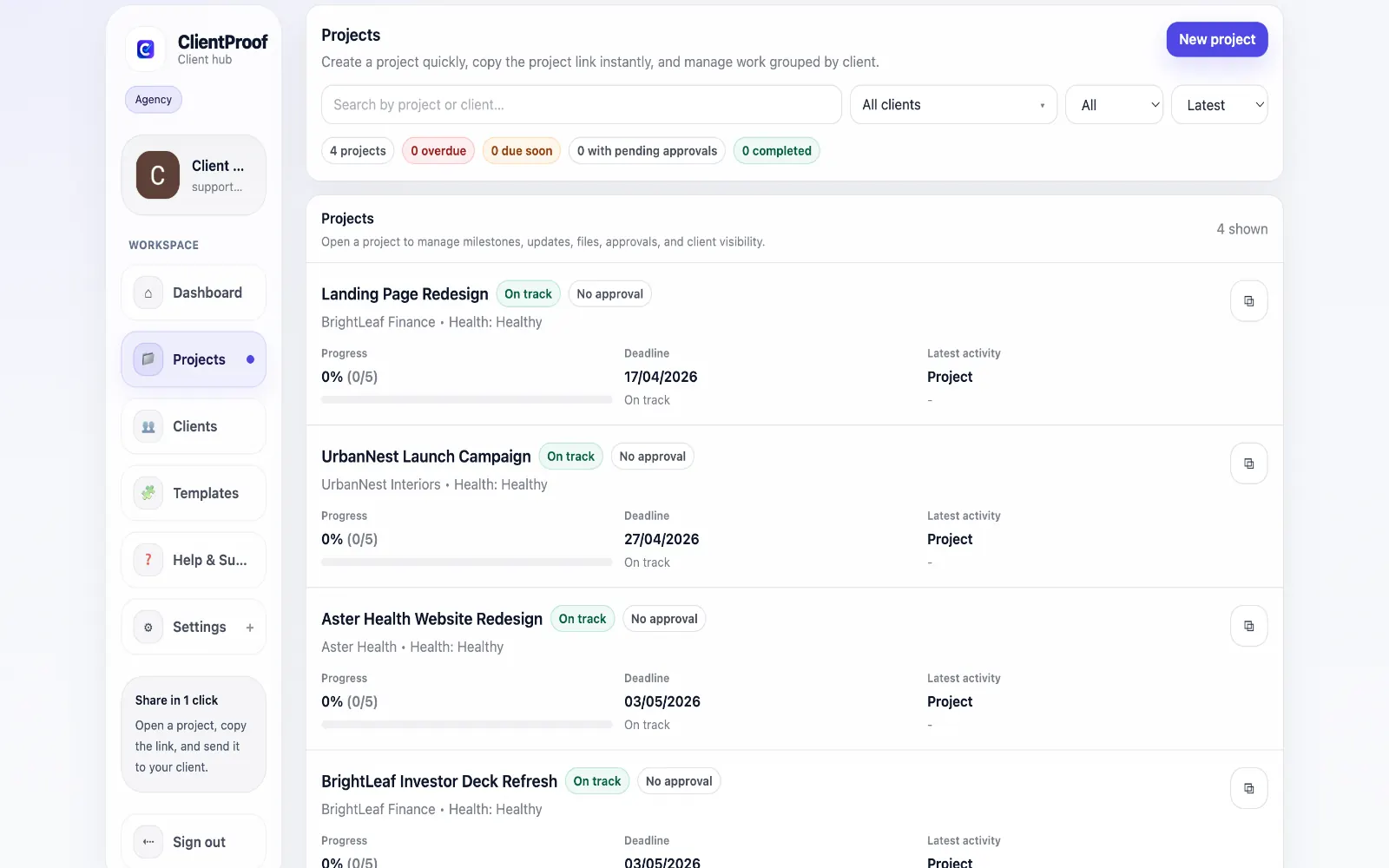
Email approvals are easy to lose and hard to verify later. A quick 'approved' reply rarely captures the exact version reviewed, the final decision context, or a reliable audit trail that both sides can reference. That becomes risky when scope changes are requested after approval. ClientProof solves this by creating a receipt for every approval decision. The receipt includes the client name, the deliverable name and version, the decision timestamp, a unique verification code, and a confirmation statement. Teams can print or save the receipt as PDF, and clients can access the same record from the project page. This creates practical protection without extra admin work. Instead of reconstructing old email threads during disputes, agencies can point to a permanent approval log tied to specific files and milestones. Every receipt is stored in the project history, so approvals stay clear long after delivery.
Teams usually adopt this workflow to reduce repeated recap messages, avoid tool-switching confusion, and give clients one clear destination for updates, files, and decisions.
Use this matrix to evaluate whether ClientProof fits your client-delivery workflow better than alternatives.
| Feature | ClientProof | Email approval |
|---|---|---|
| No-login client access | Yes | Varies by tool |
| Status + files in one client view | Built-in | Often split across tools |
| Client approval clarity | Structured | Commonly scattered |
| Setup speed for first project | Fast | Can require extra configuration |
| Best fit | Freelancers and agencies focused on delivery visibility | Other tools |
| Winner | Best for client-facing delivery clarity | Best for broader or internal workflows |
Create a project in ClientProof and define your milestones.
Upload deliverables and attach approval requirements to each one.
Send your client the project link — they open it with no login required.
View the approval audit trail as decisions come in — no email chasing needed.
A client approval receipt is a document that records when a client approved a specific deliverable, including a timestamp, verification code, and the name of the file approved. ClientProof generates one automatically for every approval decision.
Yes. The approval receipt is accessible to both the agency and the client and can be printed or saved as a PDF directly from the project page.
Each approval receipt contains a unique verification code tied to the specific decision, the client's identity, and a timestamp. This provides documented evidence of what was approved and when.
An approval receipt provides documented evidence of a client decision but is not a substitute for a formal contract. It is most useful as a scope protection tool that establishes a clear record of what was reviewed and agreed upon.
Yes. Every approval decision in ClientProof, whether approved or changes requested, automatically creates a timestamped receipt record. No extra steps are required.
Approval receipts are stored permanently in the Approvals tab of each project and are accessible at any time. They are never deleted when a project is archived.
Start free forever and share one clean client link for updates, files, and approvals.