 ClientProof
Decision path
Choose ClientProof if...
- You want clients to see updates, files, and approvals in one link.
- You need faster signoffs with less recap messaging.
- You care about professional delivery visibility without login friction.
ClientProof tracks project engagement events including first view, last view, files viewed, files downloaded, updates read, and approval requests seen so teams can follow up at the right time.
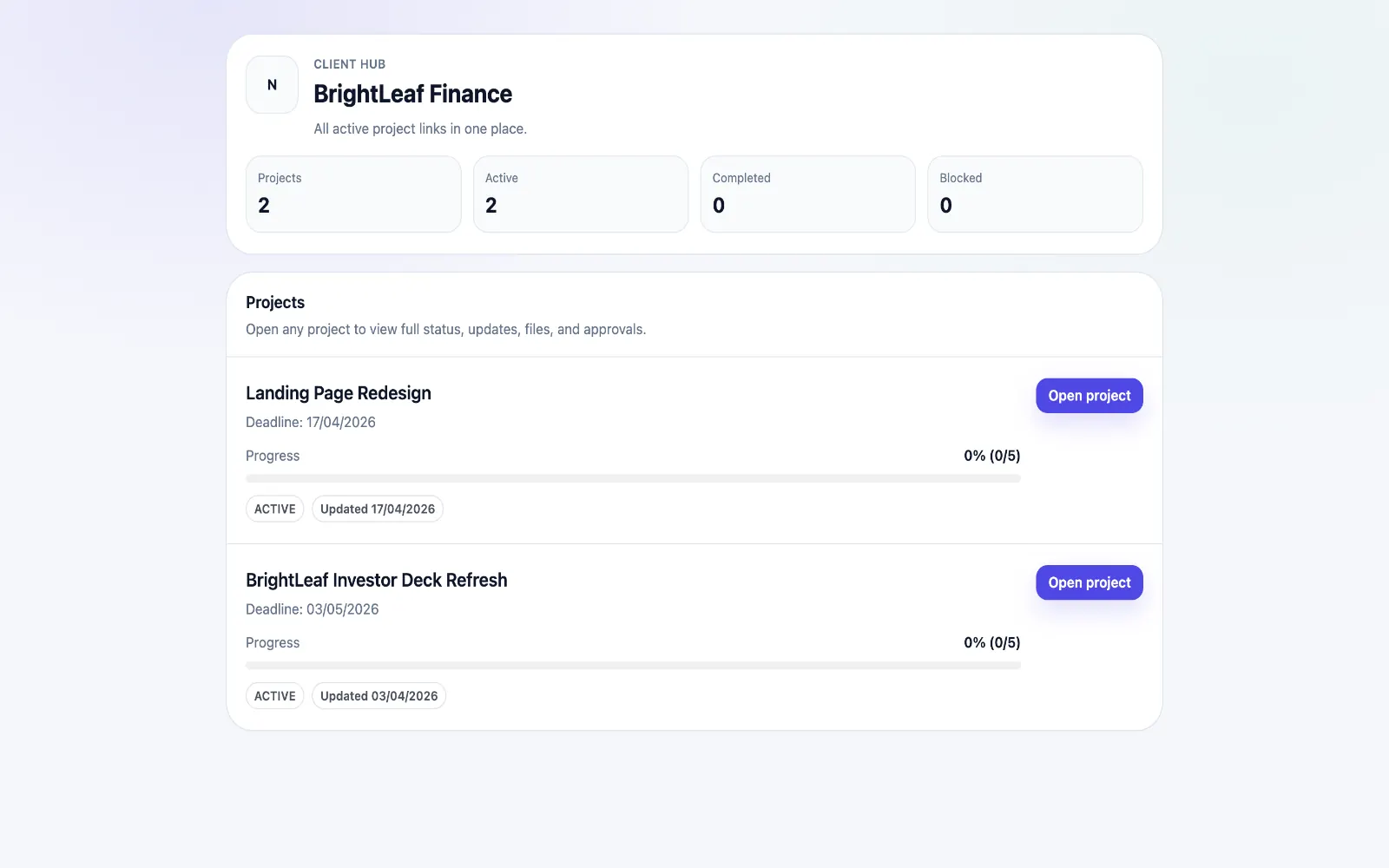
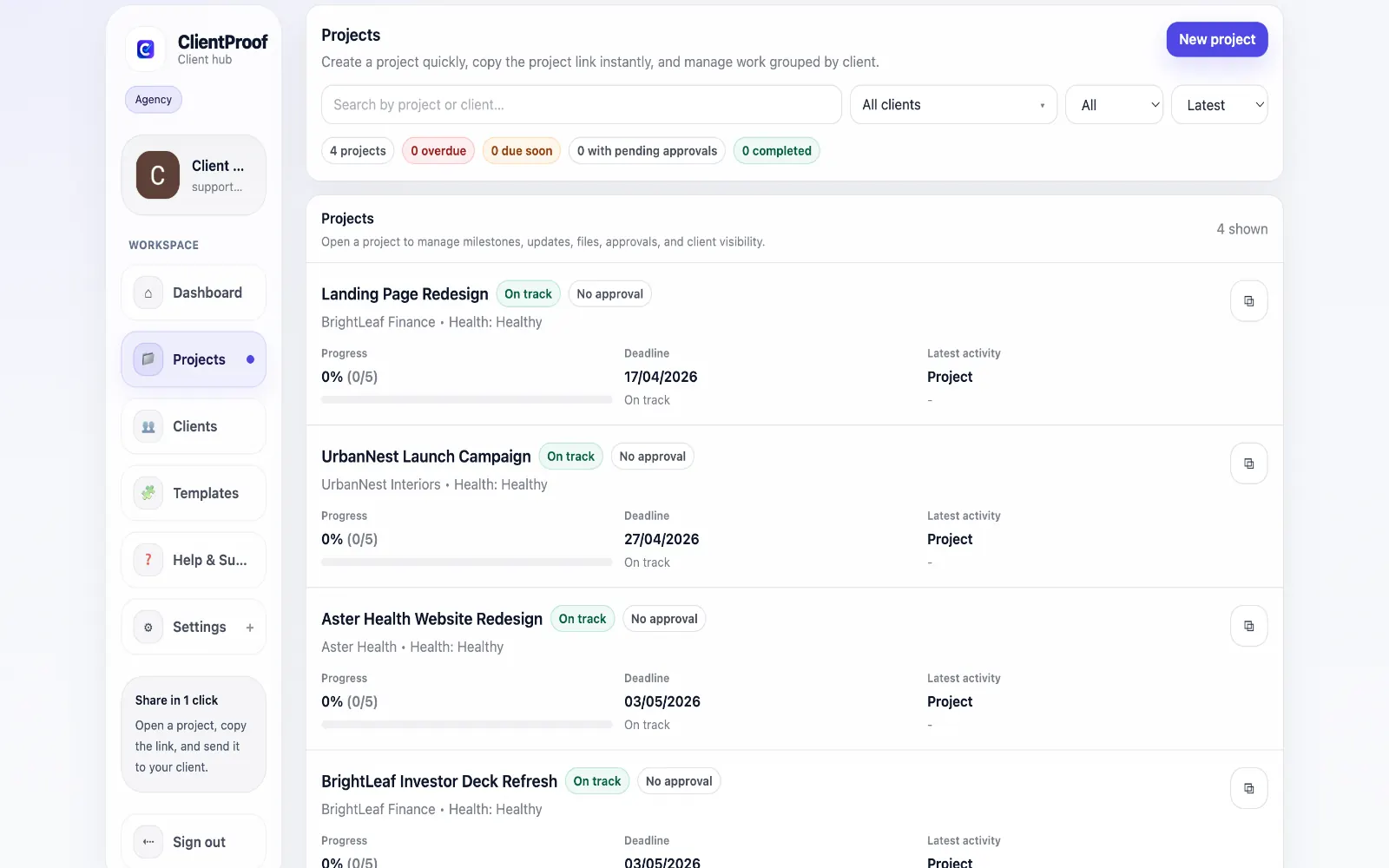
Most client follow-up anxiety comes from missing context. Teams send an update or a file, then wonder whether the client even opened it. Following up too early feels pushy, waiting too long causes delays, and either way the workflow becomes reactive. ClientProof tracks each client interaction on the project page so you can act from evidence instead of assumptions. You can see the first time a client opened the link, the most recent visit, whether specific updates were seen, whether files were viewed or downloaded, and whether approval requests were opened and actioned. This event stream appears in the Activity timeline as a chronological feed with timestamps. At the dashboard level, engagement indicators help surface projects with low recent interaction so teams can prioritize outreach before timelines slip.
Teams usually adopt this workflow to reduce repeated recap messages, avoid tool-switching confusion, and give clients one clear destination for updates, files, and decisions.
Use this matrix to evaluate whether ClientProof fits your client-delivery workflow better than alternatives.
| Feature | ClientProof | Traditional client portal |
|---|---|---|
| No-login client access | Yes | Varies by tool |
| Status + files in one client view | Built-in | Often split across tools |
| Client approval clarity | Structured | Commonly scattered |
| Setup speed for first project | Fast | Can require extra configuration |
| Best fit | Freelancers and agencies focused on delivery visibility | Other tools |
| Winner | Best for client-facing delivery clarity | Best for broader or internal workflows |
Create a project in ClientProof and define your milestones.
Upload deliverables and attach approval requirements to each one.
Send your client the project link — they open it with no login required.
View the approval audit trail as decisions come in — no email chasing needed.
Yes. ClientProof records the first time and most recent time a client opened the project link and displays this in the project activity timeline.
Yes. File views and file downloads are both tracked and shown in the activity feed with timestamps.
ClientProof tracks engagement at the project level to help agencies follow up effectively. The tracking is disclosed in the platform's privacy policy and is standard practice for client portal software.
The ClientProof dashboard includes an engagement badge on each project showing whether clients have recently interacted with the project. Projects with low client engagement surface in the attention queue.
Yes. ClientProof tracks whether an approval request was viewed by the client and whether a decision was made, so you know exactly when to follow up.
Start free forever and share one clean client link for updates, files, and approvals.