 ClientProof
Decision path
Choose ClientProof if...
- You want clients to see updates, files, and approvals in one link.
- You need faster signoffs with less recap messaging.
- You care about professional delivery visibility without login friction.
ClientProof is client approval software for agencies, freelancers, consultants, and service teams that need clear sign-off on deliverables. Clients approve in one click from a shared project link, and every decision is logged with a timestamp, their name, and the exact file or milestone they approved. No email thread required. No client account needed.
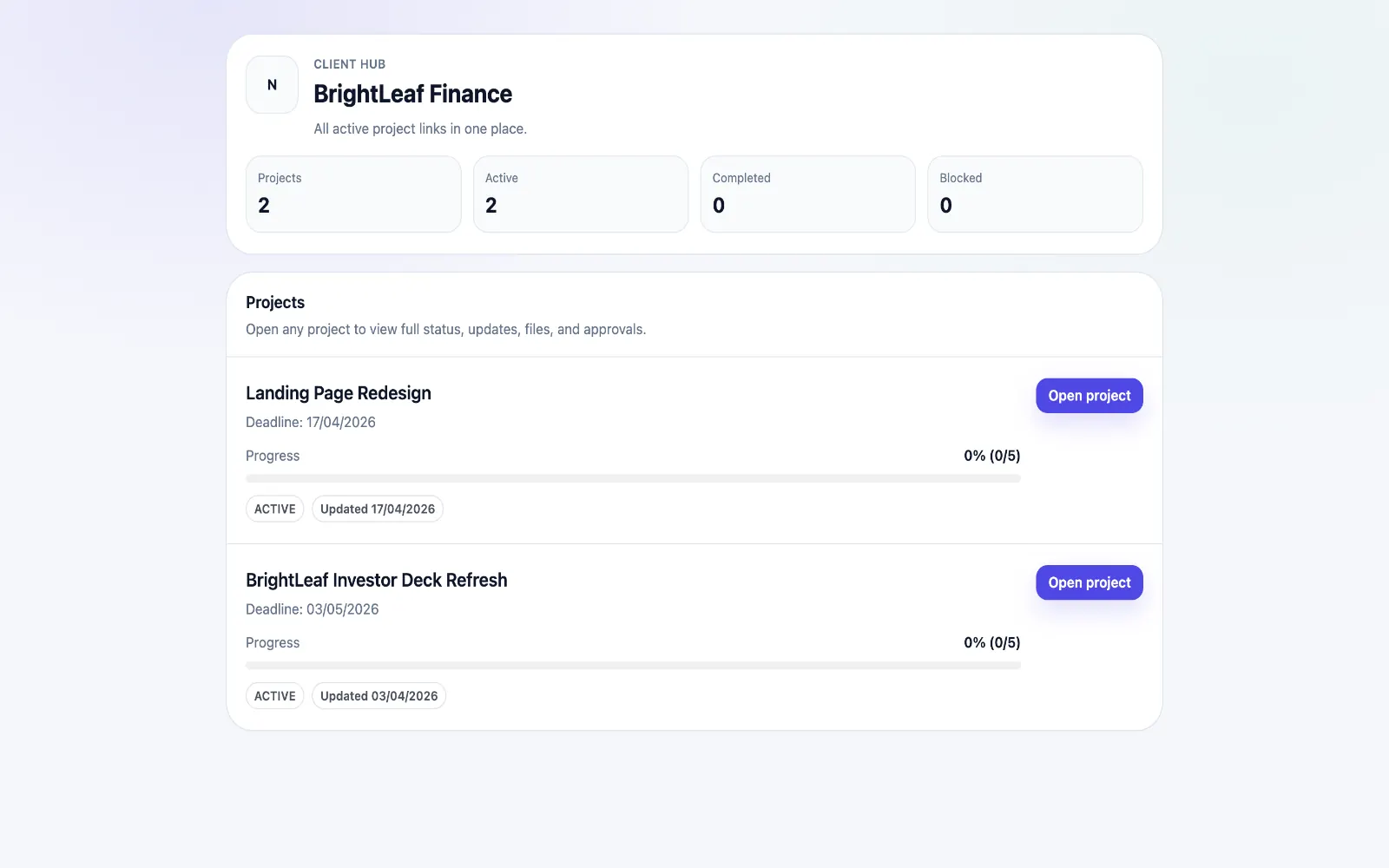
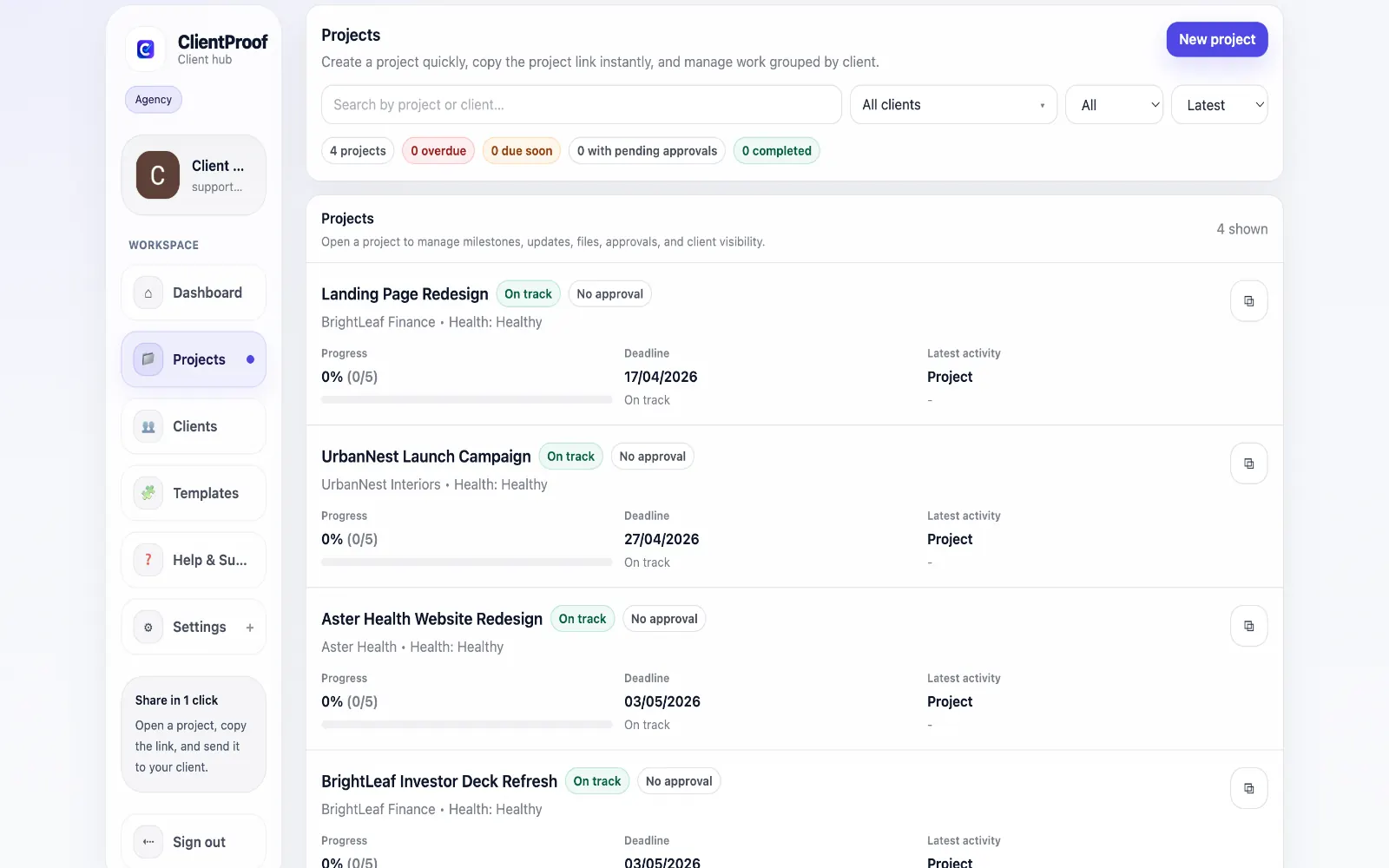
Client approval software gives teams a structured way to request, collect, and document client sign-off. Instead of relying on vague email replies like "looks good," the software connects each approval to the specific deliverable, file version, milestone, approver, and timestamp. Email approval chains are the hidden drain on agency delivery velocity. A file goes out, the client replies three days later in a thread buried under other messages, and someone has to manually track whether every deliverable got a sign-off. When a scope dispute arises six weeks later, no one can easily surface what was approved and when. ClientProof replaces that chaos with a structured approval workflow built into the project page. When you upload a deliverable or complete a milestone, you can mark it as requiring approval. The client receives the link, opens the project page without any login, and can review all open approval requests in one view alongside the files, status updates, and milestone context they need to make an informed decision. Approvals are logged instantly with the approver name, timestamp, and the exact deliverable that was approved. The audit trail stays visible to both the agency team and the client, so there is never a dispute about what was signed off. For agencies running creative, web, consulting, or development projects, this removes administrative overhead and turns approval into a repeatable delivery checkpoint.
Teams usually adopt this workflow to reduce repeated recap messages, avoid tool-switching confusion, and give clients one clear destination for updates, files, and decisions.
Use this page for the broad client approval software workflow. For narrower use cases, see creative approval software, website design approval software, client online proofing, and the client sign-off template.
| Feature | ClientProof | Email-based approval |
|---|---|---|
| Primary intent | Structured client approval software | Informal approval tracking |
| Client login required | No - shared approval link | Varies by tool |
| Approval tied to exact deliverable | Yes | Often manual |
| Timestamped approval record | Yes - built in | Often missing |
| Approval receipt | Yes | No |
| Files, status, and approvals together | Built-in | Often split across tools |
| Best fit | Freelancers and agencies needing proof of sign-off | Teams that only need casual comments |
Create a project page and upload the deliverable or milestone that needs client approval.
Add a clear approval request that explains what the client is deciding on.
Share one no-login link so the client can review the item in context.
Capture the client's approval with approver name, timestamp, and deliverable reference.
Use the approval receipt and project timeline as the permanent sign-off record.
No. Clients open the shared project link and can approve any open deliverables directly from that page without creating an account, downloading an app, or entering a password. The entire approval interaction happens through the browser in seconds.
Every approval is logged permanently in the project timeline. Both your team and the client can see the full approval history, including who approved what, when, and for which specific deliverable or milestone. This audit trail is particularly useful when scope disputes arise.
Yes. Approvals are attached to specific deliverables and milestones rather than floating in a thread. When a client approves version 2 of a logo file, that approval is connected to that specific file, not just a general project sign-off.
Yes. You can structure milestones so that an approval on the current phase is required before the next milestone is surfaced to the client. This creates a clear gated delivery flow that keeps projects progressing in order without manual tracking.
Yes. Your team is notified when a client submits an approval, so you can immediately move forward without checking the project page manually. The approval status is also reflected on the project dashboard in real time.
Start free forever and share one clean client link for updates, files, and approvals.