 ClientProof
Decision path
Choose ClientProof if...
- You want clients to see updates, files, and approvals in one link.
- You need faster signoffs with less recap messaging.
- You care about professional delivery visibility without login friction.
ClientProof and Copilot both serve freelancer client communication needs but with different scopes. Copilot is a broad client operations platform — messaging, billing, contracts, and portals in one system. ClientProof is narrowly focused on delivery visibility: project updates, files, and approvals in one no-login client link. The right choice depends on whether you need a full operations suite or a focused delivery layer.
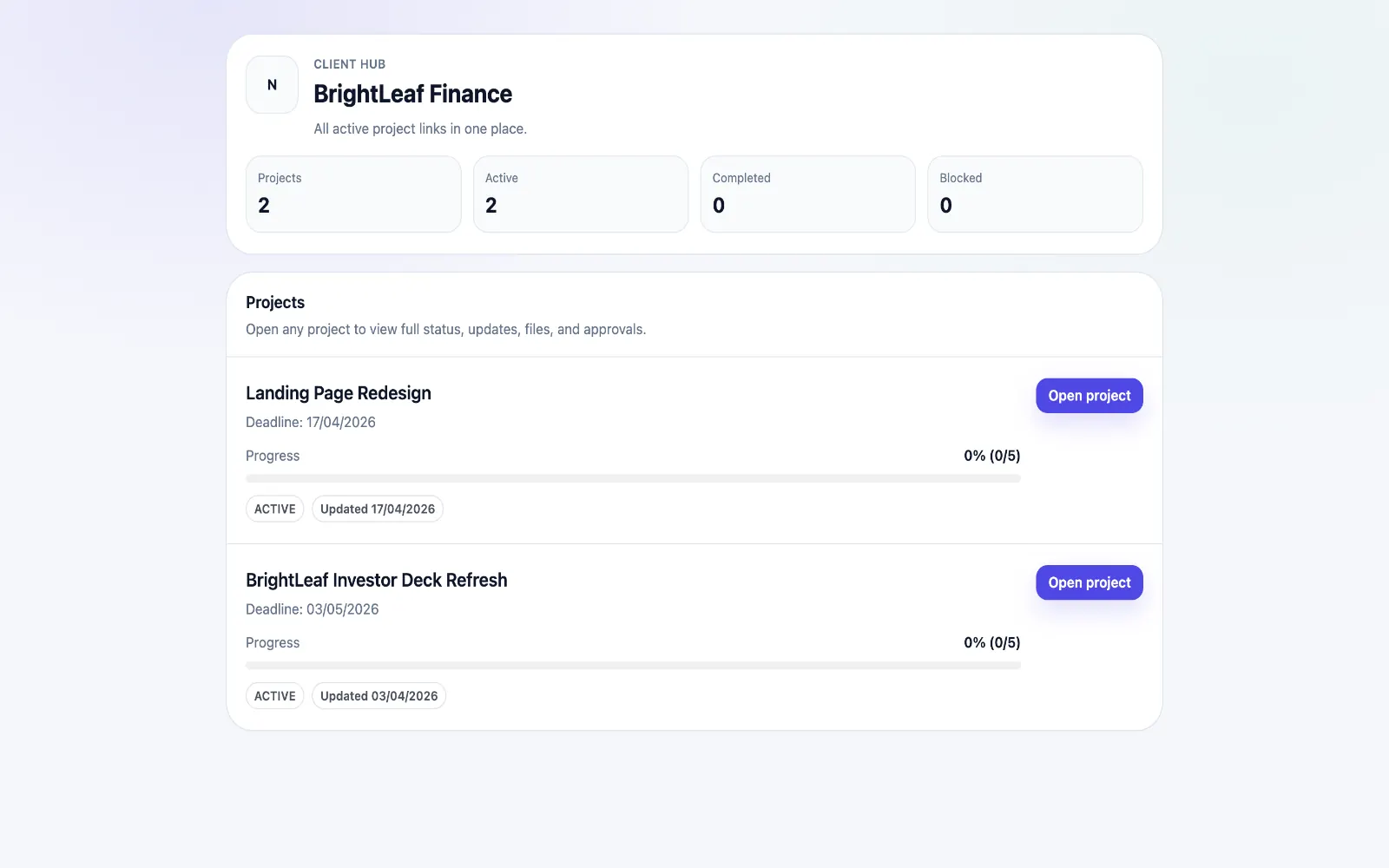
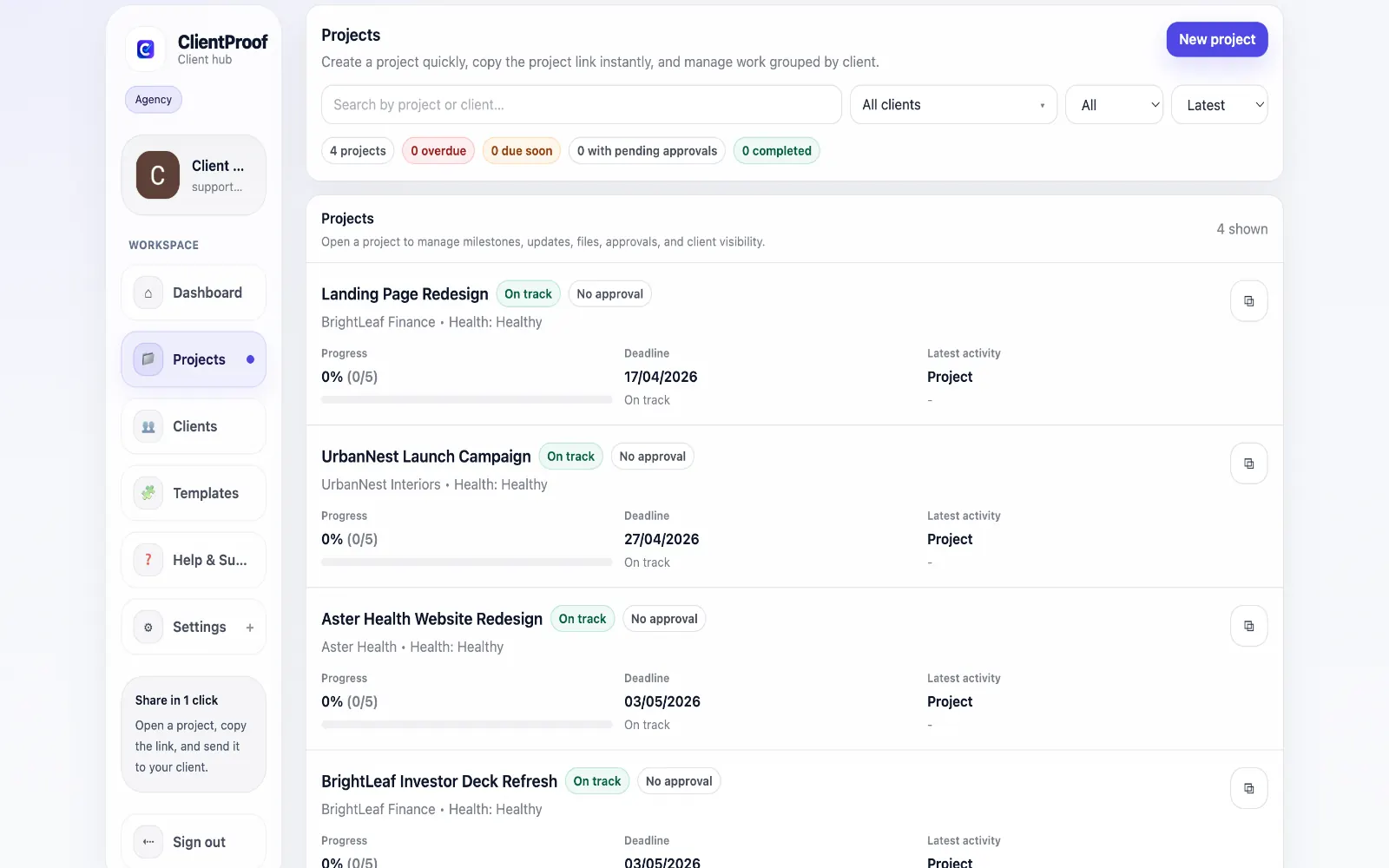
Copilot (formerly Portal.io) offers a comprehensive client operations platform that covers messaging, invoicing, contract signing, and client portals. It is a strong choice for freelancers who want to consolidate many business operations into one tool and are willing to invest time in setup and configuration. ClientProof takes a narrower approach: it is focused entirely on client delivery visibility. If your core problem is that clients do not know where the project stands, cannot find the latest files, and need to approve work without scheduling a call — ClientProof solves that problem with minimal setup. You create a project page in under ten minutes and share a link. The no-login difference is also significant. Copilot requires clients to create an account and log in to access their portal. For many clients, particularly those who work with multiple freelancers using different tools, this login requirement creates friction or gets abandoned entirely. ClientProof clients never create an account — they just open a link.
Teams usually adopt this workflow to reduce repeated recap messages, avoid tool-switching confusion, and give clients one clear destination for updates, files, and decisions.
Use this matrix to evaluate whether ClientProof fits your client-delivery workflow better than alternatives.
| Feature | ClientProof | Copilot |
|---|---|---|
| No-login client access | Yes — always | No — client login required |
| Client portal | Yes | Yes |
| Project status updates | Yes | Yes |
| File sharing | Yes | Yes |
| Client approvals with receipt | Yes — automatic receipt | Basic |
| Client engagement tracking | Yes | Limited |
| Project report | Yes — PDF | No |
| Messaging / chat | No | Yes |
| App marketplace | No | Yes |
| Price | $19/month flat | From $29/month |
| Per-client fees | None | Per client on lower plans |
| Best for | Delivery-first, no-login | Full-featured client portal |
List the client delivery problems you currently have (late approvals, status confusion, scattered files).
Test ClientProof on one active project during the free plan.
Compare how clients respond to the link vs your current workflow.
Migrate remaining projects if response time and approval speed improve.
Yes, Copilot covers more ground: messaging, billing, contracts, and portal management in one system. ClientProof is more focused — it does project delivery visibility very well and does not try to replace your invoicing or contract tools. Which is better depends on whether you want an all-in-one operations suite or a best-in-class delivery layer.
ClientProof has a lower friction client experience because clients never need to create an account or log in. They open one link and see their project. Copilot provides more functionality for clients but requires them to go through account creation and portal navigation.
Yes. Some freelancers use Copilot for billing and contracts, and ClientProof for project delivery updates and file sharing. The tools address different workflow moments and complement each other.
For getting client work delivered professionally with minimal setup cost and complexity, ClientProof is the better starting point. At $19/month with no client seats to pay for, it is an accessible first step toward a professional client delivery workflow.
Start free forever and share one clean client link for updates, files, and approvals.