 ClientProof
Decision path
Choose ClientProof if...
- You want clients to see updates, files, and approvals in one link.
- You need faster signoffs with less recap messaging.
- You care about professional delivery visibility without login friction.
Use built-in project templates for common service workflows and save your own reusable structures so every new client project starts with the right milestones.
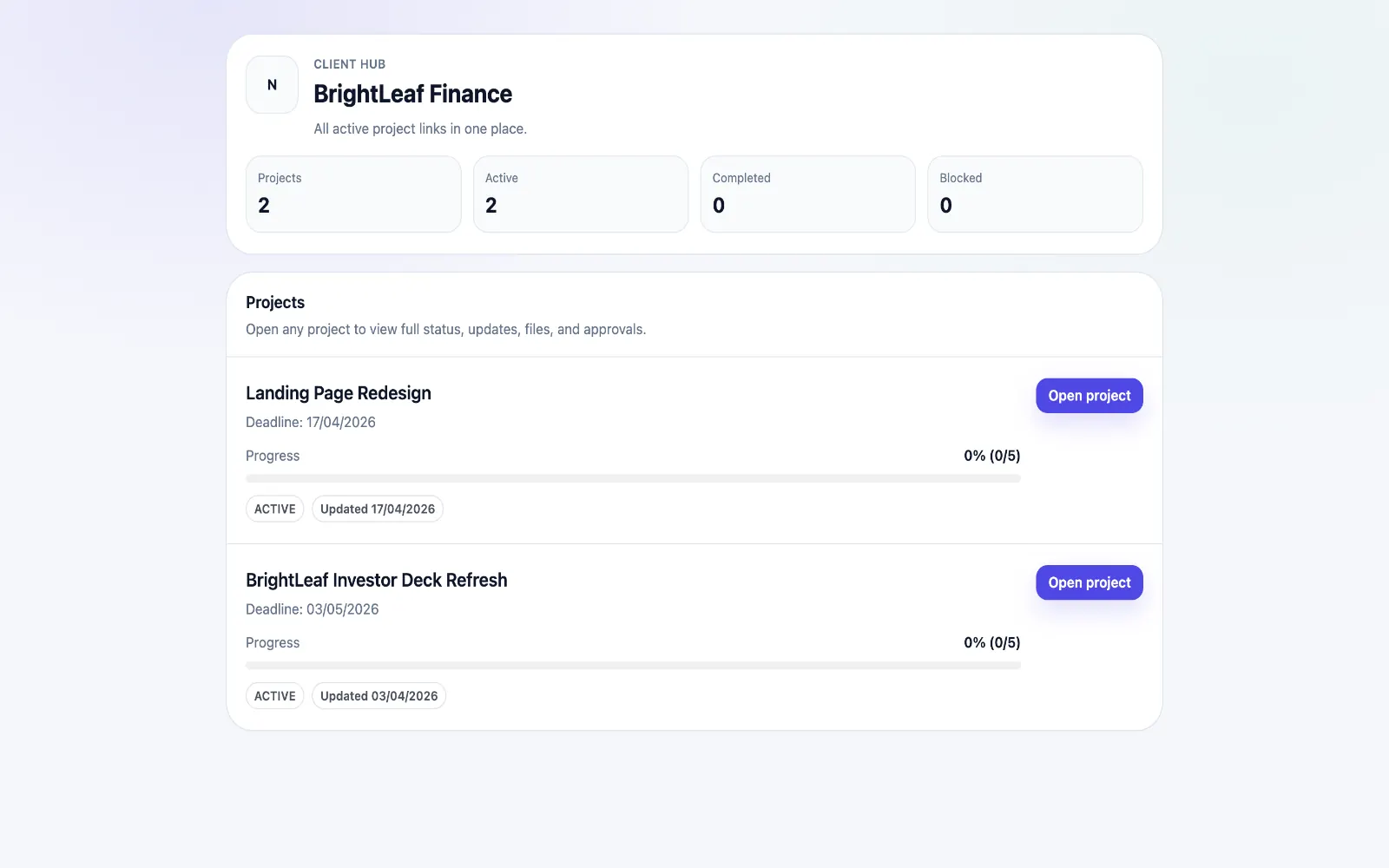
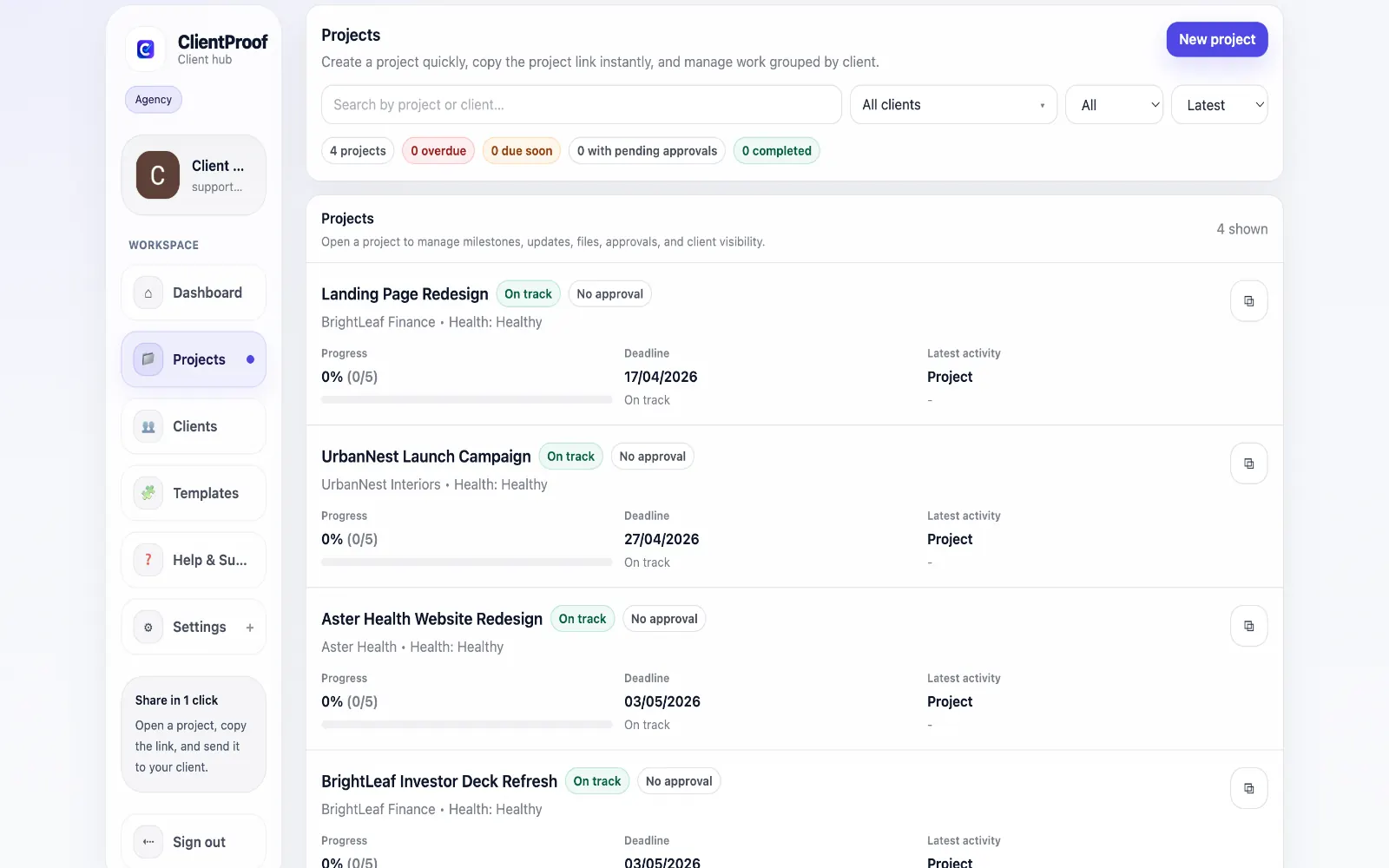
Starting each project from a blank page creates avoidable inconsistency. Milestones are re-created manually, due date logic gets rewritten each time, and teams forget internal steps that matter for delivery quality. ClientProof includes six built-in starter templates: Website Redesign, Landing Page Launch, SEO Monthly Retainer, Content Monthly Retainer, Brand Identity, and Blank for fully custom setup. These templates give teams a repeatable baseline with milestone structure already mapped to real client workflows. Teams can also save custom templates from any project and reuse them across clients in the same service line. You can edit milestone packs, due date offsets, and internal-only flags before launch, which keeps execution standardized while still allowing account-specific changes.
Teams usually adopt this workflow to reduce repeated recap messages, avoid tool-switching confusion, and give clients one clear destination for updates, files, and decisions.
Use this matrix to evaluate whether ClientProof fits your client-delivery workflow better than alternatives.
| Feature | ClientProof | Starting from scratch |
|---|---|---|
| No-login client access | Yes | Varies by tool |
| Status + files in one client view | Built-in | Often split across tools |
| Client approval clarity | Structured | Commonly scattered |
| Setup speed for first project | Fast | Can require extra configuration |
| Best fit | Freelancers and agencies focused on delivery visibility | Other tools |
| Winner | Best for client-facing delivery clarity | Best for broader or internal workflows |
Create a project in ClientProof and define your milestones.
Upload deliverables and attach approval requirements to each one.
Send your client the project link — they open it with no login required.
View the approval audit trail as decisions come in — no email chasing needed.
ClientProof includes six built-in templates: Website Redesign, Landing Page Launch, SEO Monthly Retainer, Content Monthly Retainer, Brand Identity, and a Blank template for custom workflows. This gives clients a clear source of truth for status, files, and pending decisions.
Yes. You can create a template from any project and reuse it for future clients in the same service line, which speeds up setup and keeps delivery consistent.
Yes. Saved templates can include milestone structure details such as milestone packs, due date offsets, and internal-only flags so teams can keep a consistent operational process.
Templates reduce setup time, prevent missed milestones, and make project delivery more predictable because every new project starts with a proven structure instead of an ad hoc setup. This reduces communication friction and shortens client approval cycles.
Start free forever and share one clean client link for updates, files, and approvals.