 ClientProof
Project status updates
Show clients what changed, what is next, and where the project stands.
Explore project status updatesClientProof is a client portal for developers who need to communicate progress and delivery details to non-technical clients without tool sprawl. Create a project page, post milestone updates after each sprint or release, attach relevant files or staging links, and share one URL that your client can open anytime without logging in.
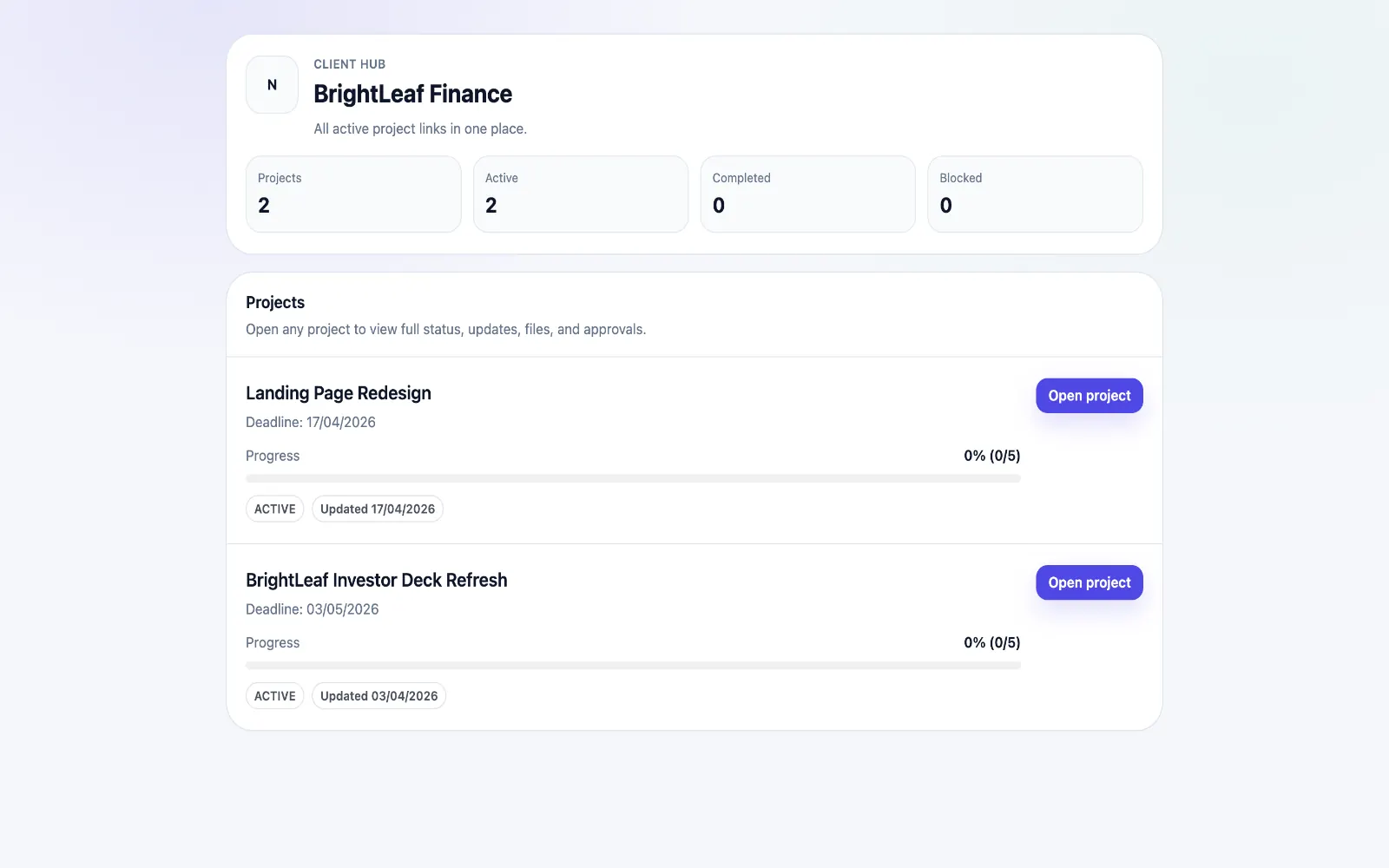
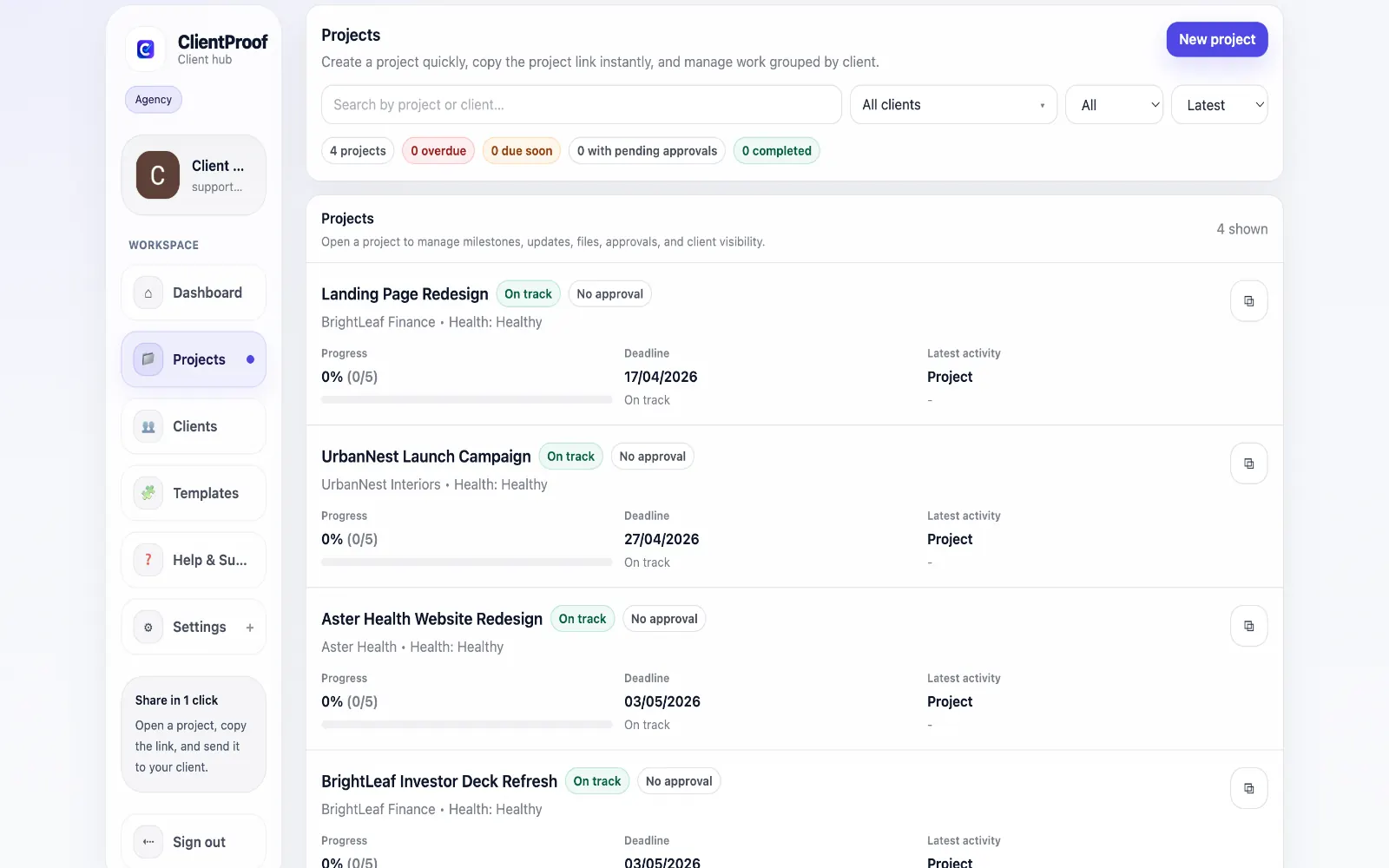
These are the core ClientProof workflows behind the client-facing experience for this audience.
Show clients what changed, what is next, and where the project stands.
Explore project status updatesRequest sign-off from the same no-login project page clients already use.
Explore client approval softwareKeep review rounds, creative files, comments, and final decisions connected.
Explore creative approval softwareGenerate timestamped proof when a client approves a deliverable.
Explore approval receiptsDevelopers working on client projects face a communication translation problem. Internal tools — Jira, Linear, GitHub — are built for engineering teams, not for clients. When non-technical stakeholders ask for project status, they either get a confusing JIRA board link or a 30-minute status call. ClientProof gives developers a client-friendly layer on top of their delivery process. You continue working the way you always have. Then at each milestone — sprint completion, staging deployment, feature delivery, final handoff — you publish a plain-language update to the project page, attach any relevant artifacts, and optionally request client sign-off. The result is a professional delivery record that clients can navigate without technical knowledge. They see what is complete, what is in progress, and what needs their input — without needing access to your internal tooling.
Teams usually adopt this workflow to reduce repeated recap messages, avoid tool-switching confusion, and give clients one clear destination for updates, files, and decisions.
Use this matrix to evaluate whether ClientProof fits your client-delivery workflow better than alternatives.
| Feature | ClientProof | Alternative |
|---|---|---|
| No-login client access | Yes | Varies by tool |
| Status + files in one client view | Built-in | Often split across tools |
| Client approval clarity | Structured | Commonly scattered |
| Setup speed for first project | Fast | Can require extra configuration |
| Best fit | Freelancers and agencies focused on delivery visibility | Other tools |
| Winner | Best for client-facing delivery clarity | Best for broader or internal workflows |
Create a role-specific client delivery page template.
Publish weekly milestone updates in one consistent format.
Attach files and approvals to milestones so clients track decisions clearly.
Use one shared link for client communication instead of scattered recaps.
Yes. After each sprint, you publish a milestone update with a brief summary of what was completed, any relevant files or links, and what comes next. Clients see it immediately on their project page without needing access to your project management tools.
No. The client page is written in plain language and structured for non-technical users. Clients only see what you publish — not your internal tooling, repo, or task management system.
No. It is focused on client-facing delivery visibility, not internal task planning. You continue using Jira, Linear, or Notion internally, and use ClientProof as the professional layer that clients see.
Yes. Any URL can be included in a project update, milestone, or file attachment. You can link to staging environments, Figma prototypes, deployed apps, or documentation.
Start free forever and share one clean client link for updates, files, and approvals.