 ClientProof
Decision path
Choose ClientProof if...
- You want clients to see updates, files, and approvals in one link.
- You need faster signoffs with less recap messaging.
- You care about professional delivery visibility without login friction.
If you are looking for a Notion alternative for client sharing, the core issue is that Notion was designed for internal teams — not for client-facing delivery. The best Notion alternative for client work is a tool that presents project status, files, and approval requests in a format clients can follow without any tool knowledge. ClientProof is built for exactly that workflow.
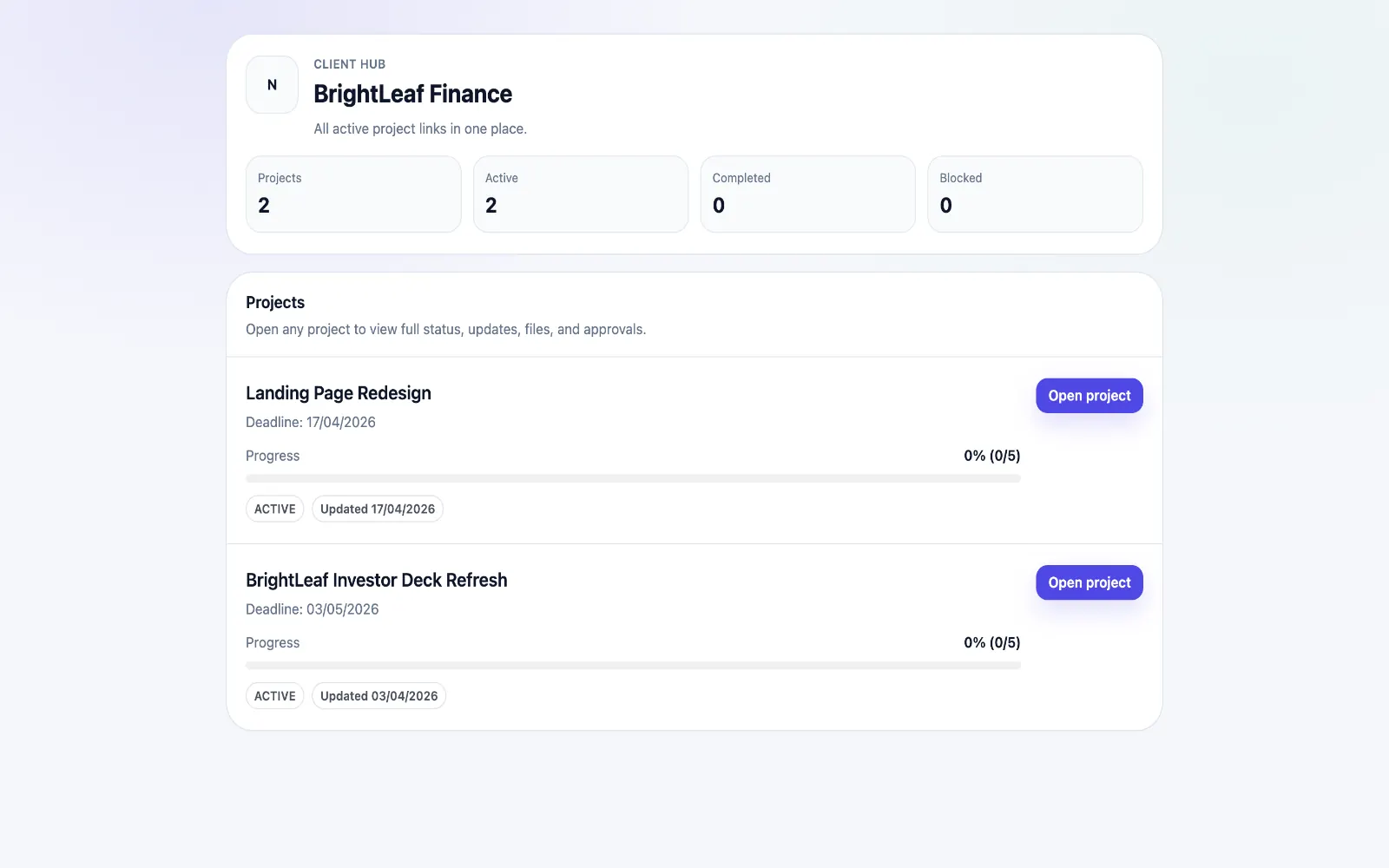
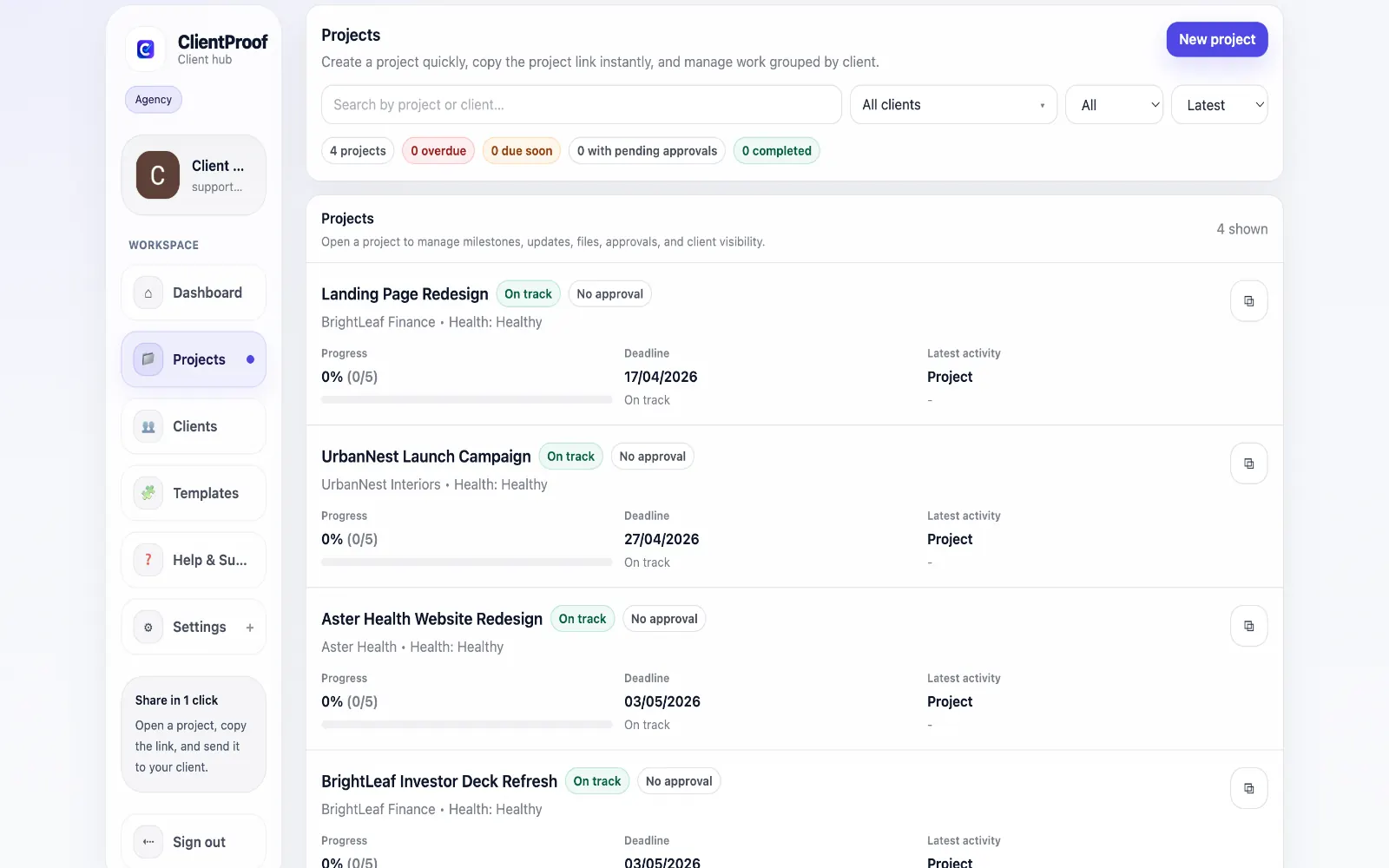
Notion is excellent for internal knowledge management and team documentation. But when freelancers and agencies try to use it as a client portal, predictable problems emerge: clients open the link and feel confused by the database structure, they cannot find the latest file, they do not know what needs their approval, and the 'view only' versus 'can edit' distinction creates access control anxiety. The fundamental mismatch is that Notion is optimized for people who use the tool regularly — your team. Client portals need to be optimized for people who may open the link once a week with no context about how Notion works. ClientProof takes the opposite approach. The structure is fixed and purposeful: milestones show project phases, updates communicate progress, files attach to the right stage, and approval requests are explicit. Clients do not need to understand a tool — they open a link and see their project in a format that requires no learning curve.
Teams usually adopt this workflow to reduce repeated recap messages, avoid tool-switching confusion, and give clients one clear destination for updates, files, and decisions.
Use this matrix to evaluate whether ClientProof fits your client-delivery workflow better than alternatives.
| Feature | ClientProof | Alternative |
|---|---|---|
| No-login client access | Yes | Varies by tool |
| Status + files in one client view | Built-in | Often split across tools |
| Client approval clarity | Structured | Commonly scattered |
| Setup speed for first project | Fast | Can require extra configuration |
| Best fit | Freelancers and agencies focused on delivery visibility | Other tools |
| Winner | Best for client-facing delivery clarity | Best for broader or internal workflows |
List current friction points in your existing tool stack.
Pilot one project in a delivery-first client page format.
Compare clarity, approval speed, and follow-up volume.
Adopt the workflow that produces cleaner client outcomes.
Yes. ClientProof is designed specifically for client-facing project communication — sharing updates, files, and approval requests with clients who do not use Notion and should not need to. The experience is cleaner, more structured, and requires zero tool knowledge from clients.
Yes, and this is the most common setup. Teams continue using Notion for internal planning, documentation, and team knowledge management. ClientProof becomes the professional delivery layer that clients interact with — the two tools serve complementary purposes.
Consistently. The client confusion from Notion sharing typically comes from three sources: unfamiliar interface, unclear navigation, and access control uncertainty. ClientProof eliminates all three by providing a structured, purpose-built client page with no-login access and a single-URL delivery model.
Common alternatives include Google Drive (good for files but lacks project context), SuperOkay (customizable but requires client login), Copilot (broad operations platform), and client-portal.io (WordPress-based). ClientProof differentiates itself primarily through the no-login delivery model and structured milestone approach.
Start free forever and share one clean client link for updates, files, and approvals.