 ClientProof
Decision path
Choose ClientProof if...
- You want clients to see updates, files, and approvals in one link.
- You need faster signoffs with less recap messaging.
- You care about professional delivery visibility without login friction.
Moxie is an all-in-one freelancer business platform covering CRM, invoicing, scheduling, and client portals. If you are looking for a Moxie alternative that focuses specifically on the client delivery experience — project status visibility, file sharing, and approvals in one no-login client page — ClientProof is the more focused solution.
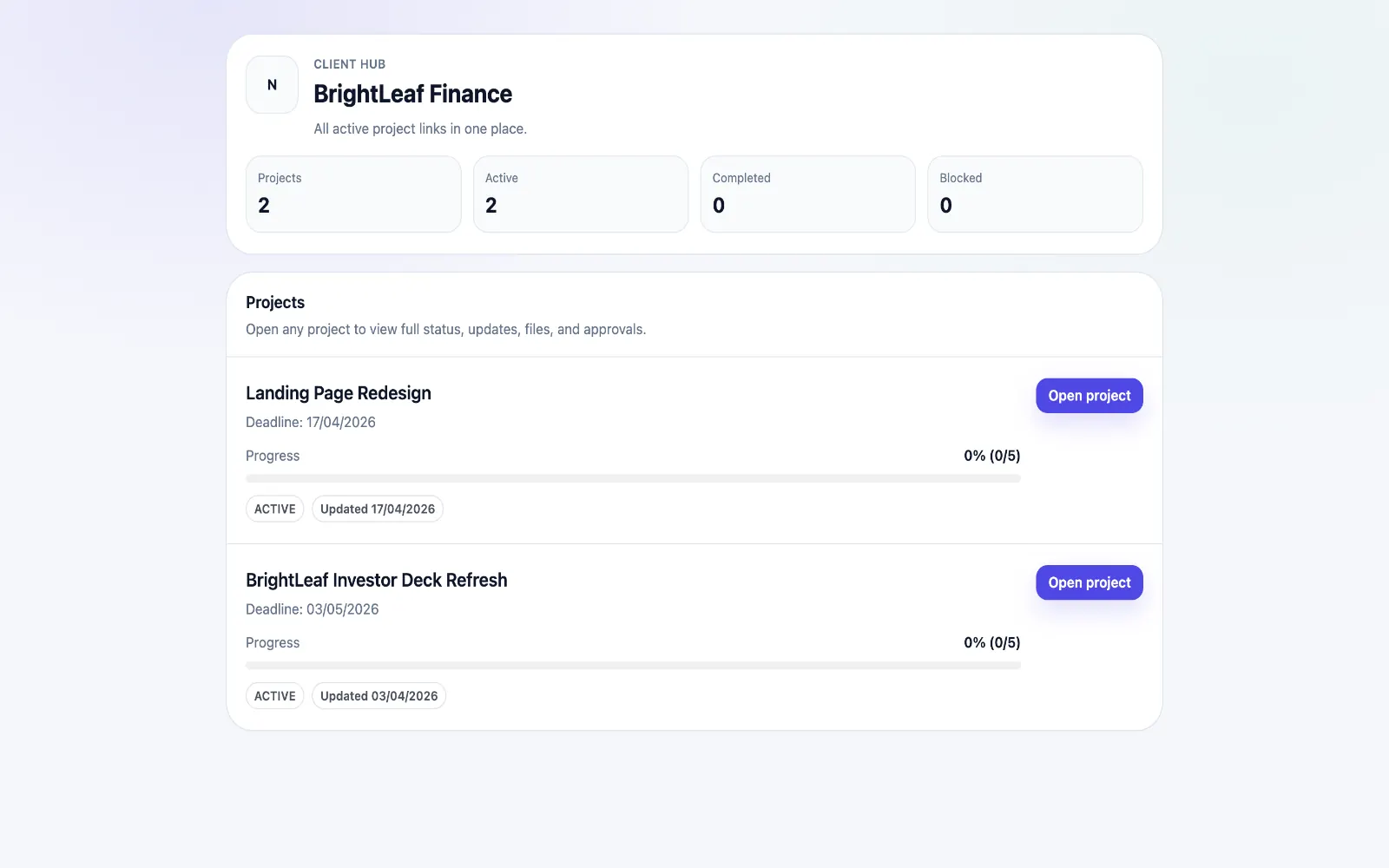
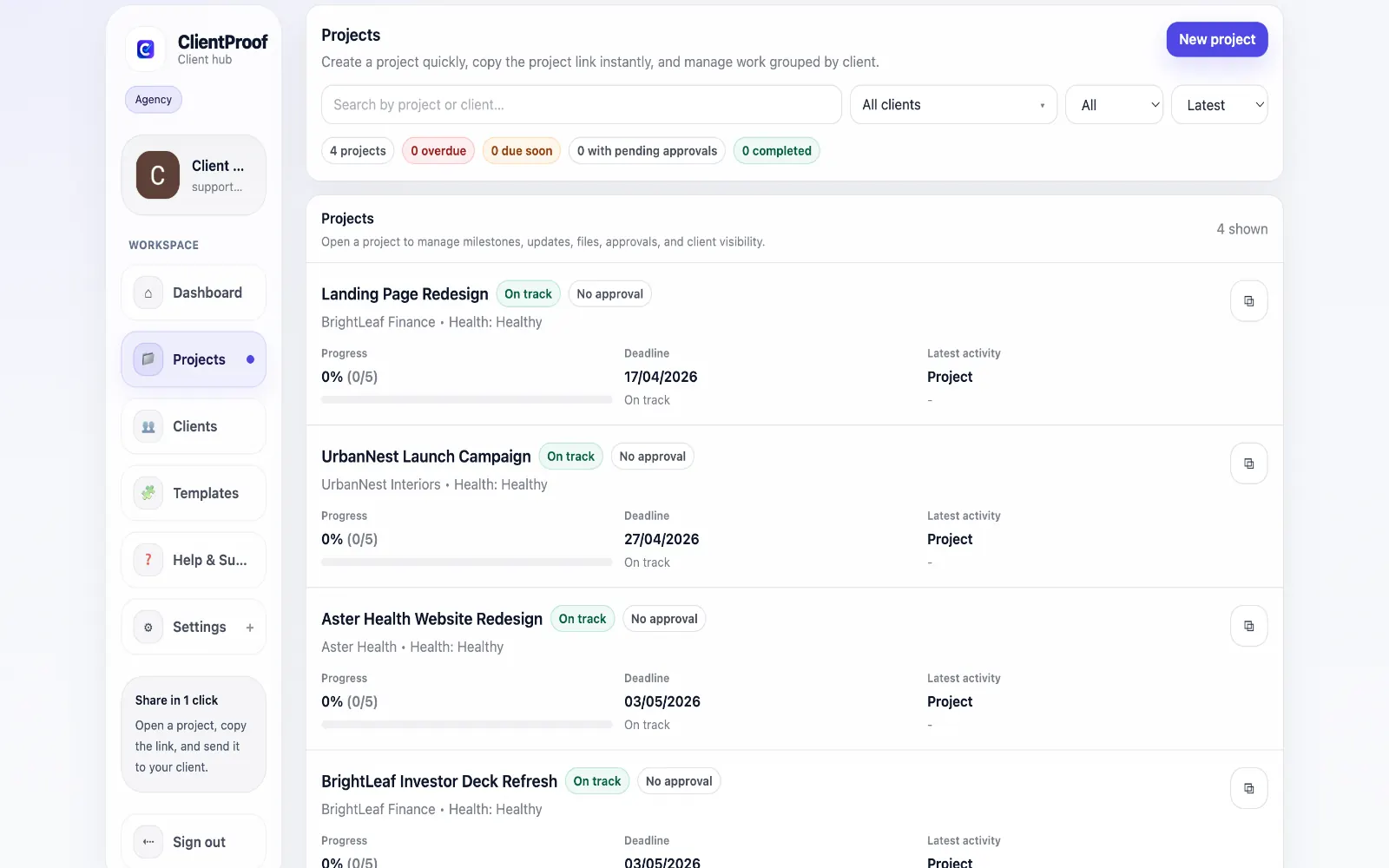
Moxie and similar all-in-one freelancer platforms like HoneyBook and Dubsado cover a wide range of business operations: lead management, proposals, contracts, invoicing, scheduling, and project delivery. These platforms are valuable for freelancers who want to consolidate their entire business into one subscription. The trade-off is that all-in-one tools often provide each feature at a basic level rather than any individual feature at an excellent level. The client portal component in these platforms is typically limited — it requires clients to log in, the project delivery structure is generic, and the approval workflow is secondary to the CRM and invoicing features. ClientProof is not an all-in-one platform. It does one thing: client delivery visibility. Project milestones, status updates, file sharing, and approval requests — all in one no-login client link. If your existing tools already handle invoicing and contracts well, adding ClientProof for delivery visibility is faster and often produces a better client experience than switching to an all-in-one platform.
Teams usually adopt this workflow to reduce repeated recap messages, avoid tool-switching confusion, and give clients one clear destination for updates, files, and decisions.
Use this matrix to evaluate whether ClientProof fits your client-delivery workflow better than alternatives.
| Feature | ClientProof | Alternative |
|---|---|---|
| No-login client access | Yes | Varies by tool |
| Status + files in one client view | Built-in | Often split across tools |
| Client approval clarity | Structured | Commonly scattered |
| Setup speed for first project | Fast | Can require extra configuration |
| Best fit | Freelancers and agencies focused on delivery visibility | Other tools |
| Winner | Best for client-facing delivery clarity | Best for broader or internal workflows |
List current friction points in your existing tool stack.
Pilot one project in a delivery-first client page format.
Compare clarity, approval speed, and follow-up volume.
Adopt the workflow that produces cleaner client outcomes.
No. Moxie covers CRM, invoicing, contracts, and scheduling in addition to client portals. ClientProof only covers the client delivery visibility component — project status, files, and approvals.
Yes. ClientProof is designed to complement your existing workflow, not replace your entire tool stack. Freelancers commonly use it alongside HoneyBook, Dubsado, Bonsai, or Wave for invoicing, while using ClientProof specifically for project delivery communication.
The primary differences are the no-login access model and the focused delivery structure. Most all-in-one platform portals require clients to create accounts. ClientProof clients never log in.
Most freelancers have their first project page set up and shared with a client within 15 minutes of signing up. There is no CRM to configure, no invoicing to set up, and no onboarding sequence to complete — just a project page and a shareable link.
Start free forever and share one clean client link for updates, files, and approvals.