 ClientProof
Project status updates
Show clients what changed, what is next, and where the project stands.
Explore project status updatesClientProof helps copywriters manage draft delivery, revision rounds, and final sign-off in a clean client portal that clients can open without creating an account. Replace scattered Google Doc links, version confusion, and email threads with one organized project page that shows exactly where each deliverable stands.
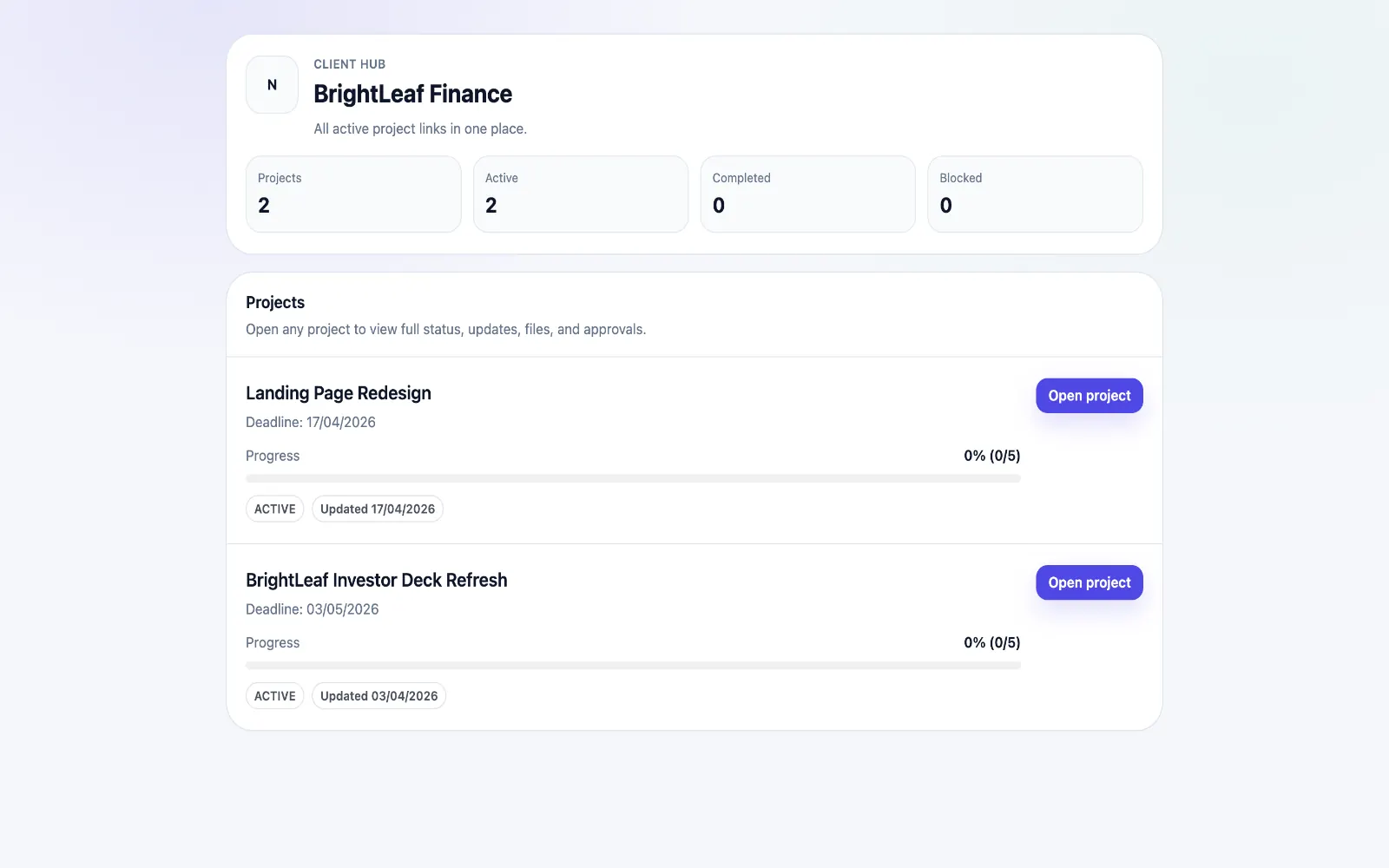
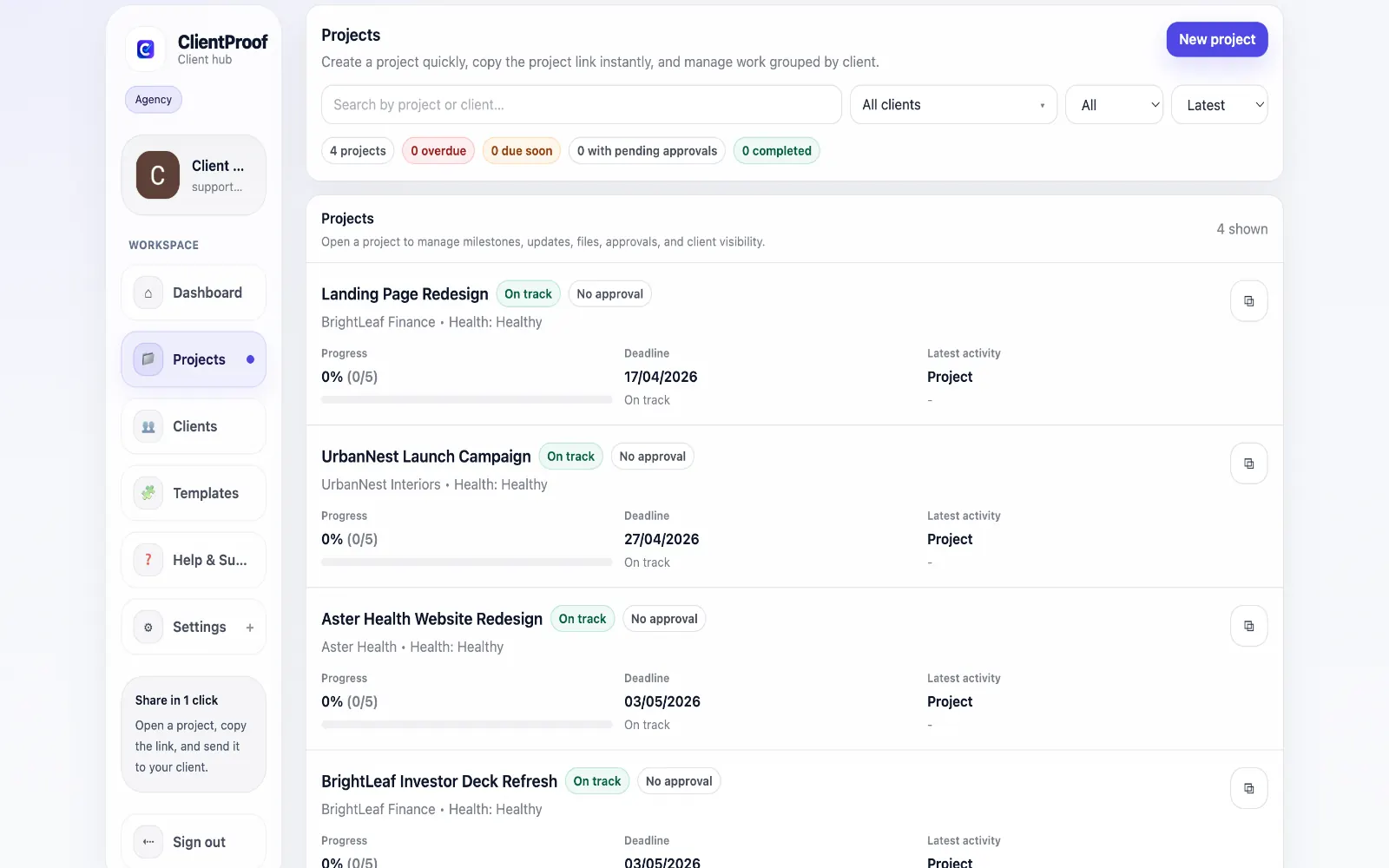
These are the core ClientProof workflows behind the client-facing experience for this audience.
Show clients what changed, what is next, and where the project stands.
Explore project status updatesRequest sign-off from the same no-login project page clients already use.
Explore client approval softwareKeep review rounds, creative files, comments, and final decisions connected.
Explore creative approval softwareGenerate timestamped proof when a client approves a deliverable.
Explore approval receiptsCopywriters typically manage multiple deliverables per project — website copy, email sequences, social posts, blog articles — each going through multiple revision rounds. The common approach is a messy mix of shared Google Docs, email threads with 'FINAL_v3_revised' filenames, and version confusion that frustrates both writer and client. ClientProof gives copywriters a clean delivery structure. Each deliverable gets a milestone. When a draft is ready, you attach it and publish an update. When revisions are complete, you update the milestone and request approval. The client sees a clear timeline of what was delivered, what was revised, and what is signed off — from a single professional link. This is particularly effective for retainer-based copywriters who deliver content on a regular schedule. Clients can check in at any time without needing to contact you for status, and the complete revision history stays organized in one place.
Teams usually adopt this workflow to reduce repeated recap messages, avoid tool-switching confusion, and give clients one clear destination for updates, files, and decisions.
Use this matrix to evaluate whether ClientProof fits your client-delivery workflow better than alternatives.
| Feature | ClientProof | Alternative |
|---|---|---|
| No-login client access | Yes | Varies by tool |
| Status + files in one client view | Built-in | Often split across tools |
| Client approval clarity | Structured | Commonly scattered |
| Setup speed for first project | Fast | Can require extra configuration |
| Best fit | Freelancers and agencies focused on delivery visibility | Other tools |
| Winner | Best for client-facing delivery clarity | Best for broader or internal workflows |
Create a role-specific client delivery page template.
Publish weekly milestone updates in one consistent format.
Attach files and approvals to milestones so clients track decisions clearly.
Use one shared link for client communication instead of scattered recaps.
Yes. You publish each revision as a new update or file attachment on the relevant milestone. Both you and your client can see the full revision history in order, making it clear what changed and when each version was approved.
Yes. Final approved copy and related assets — brand guidelines, style documents, supporting research — can all be attached to the final project milestone. Clients have a permanent reference for everything delivered.
No. Clients open the link you send and see everything immediately. There is no account creation, no app to install, and no password to remember.
Google Docs works well for the editing process itself, but doesn't provide project context, milestone tracking, or formal approval recording. ClientProof is the professional delivery layer — you still edit in Google Docs, but you deliver and get sign-off through ClientProof.
Start free forever and share one clean client link for updates, files, and approvals.