 ClientProof
Decision path
Choose ClientProof if...
- You want clients to see updates, files, and approvals in one link.
- You need faster signoffs with less recap messaging.
- You care about professional delivery visibility without login friction.
ClientProof makes design handoff professional by giving teams one organized, no-login page for final files, implementation notes, approval sign-offs, and delivery context. Replace the chaotic email-plus-Drive-link approach with a structured handoff page that clients can reference long after the project closes.
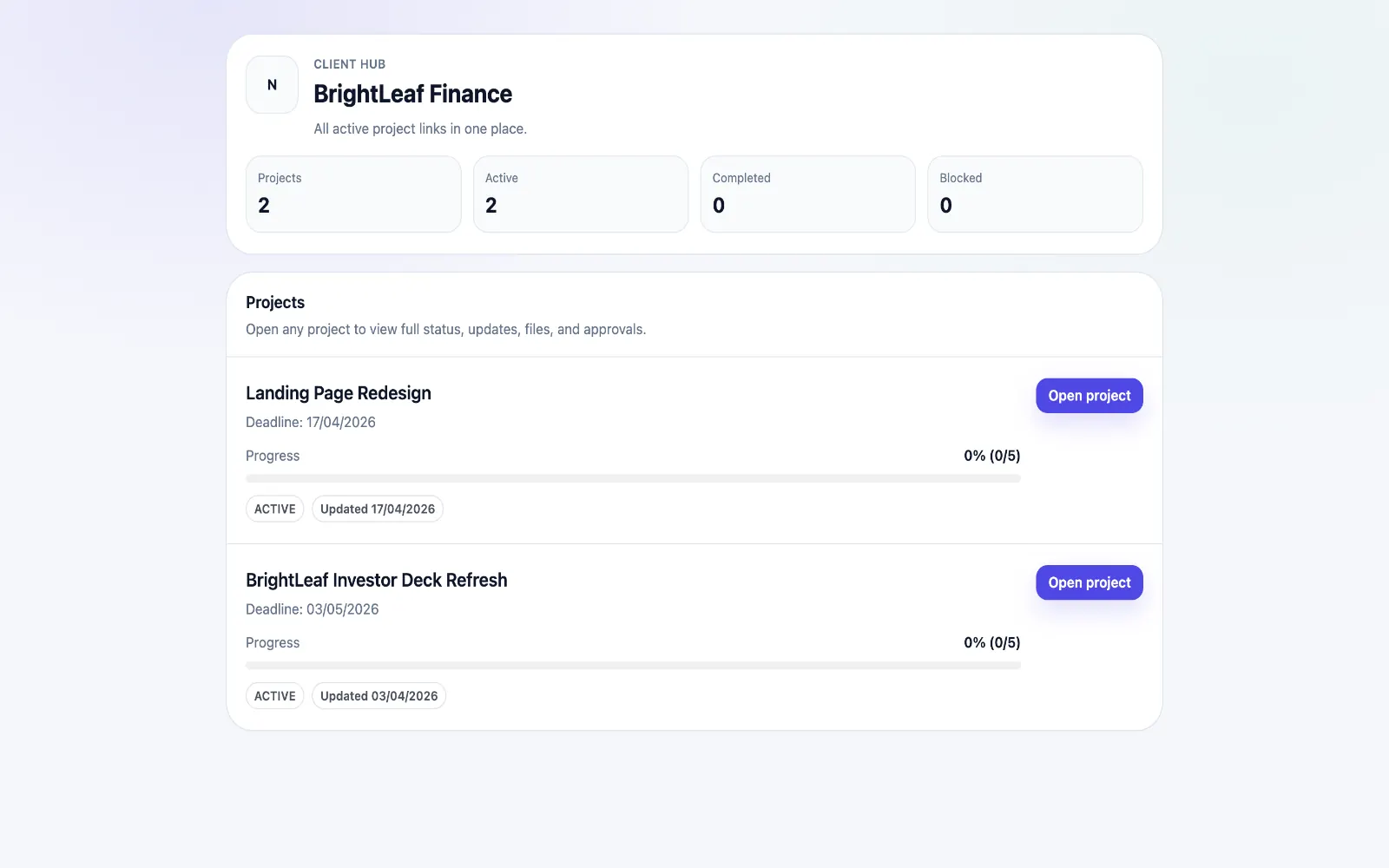
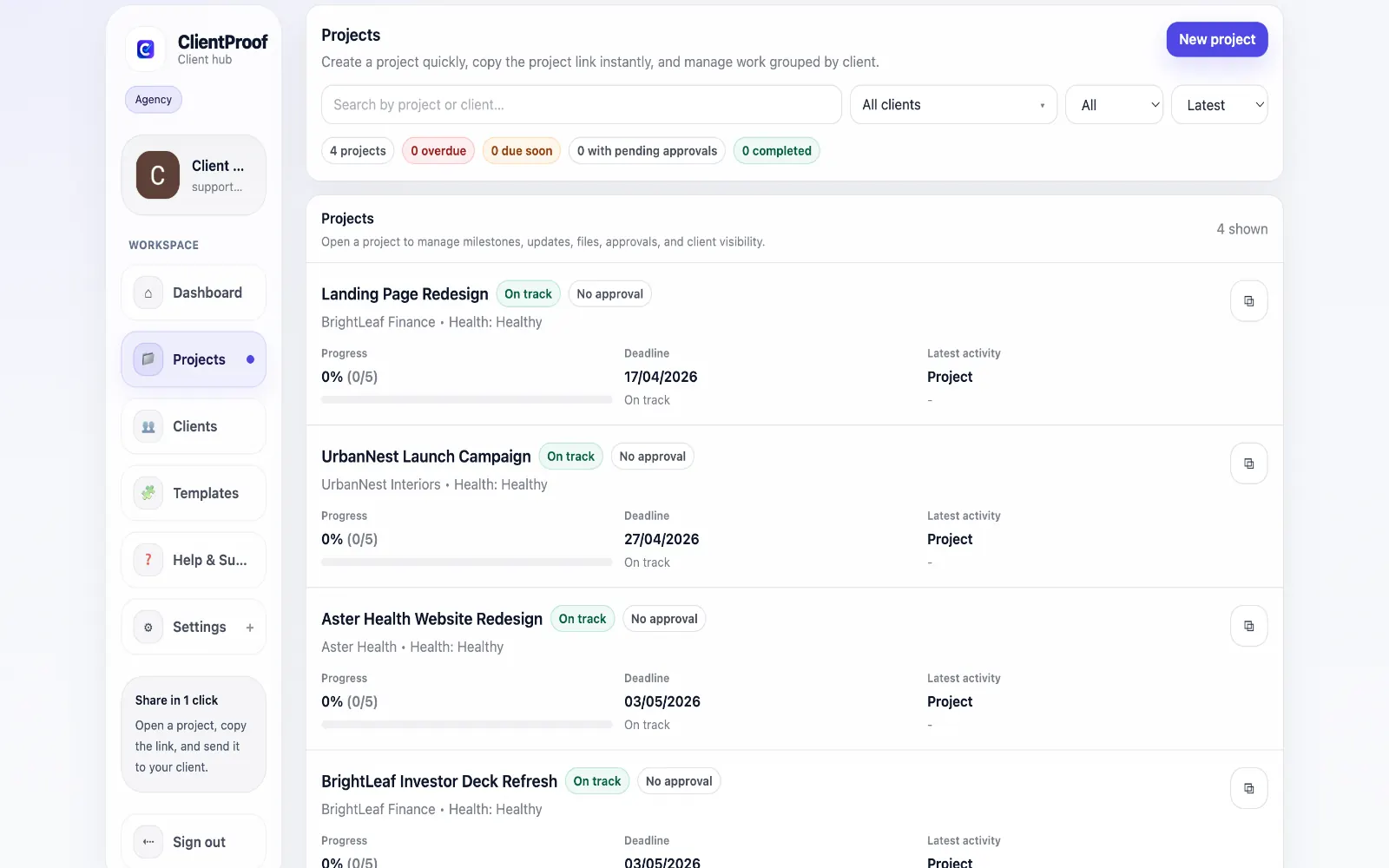
Design handoff is one of the most failure-prone moments in a client project. The designer has done the work, the files are ready, but the delivery often falls apart: the wrong version gets sent, approval is given verbally and forgotten, the developer cannot find the right assets, and the client is not sure what they signed off on. ClientProof structures the handoff into a set of organized milestones: design exploration, refined concept, final approved design, and implementation-ready handoff. Each phase has its own file attachments and approval state. Clients review and approve within the page, and the approval is recorded with a timestamp. For teams passing design work to developers, the handoff page serves as the single source of truth. The developer sees exactly which files are approved, what notes accompany each deliverable, and where the project stands — without needing to chase email threads or ask the designer for a resend.
Teams usually adopt this workflow to reduce repeated recap messages, avoid tool-switching confusion, and give clients one clear destination for updates, files, and decisions.
Use this matrix to evaluate whether ClientProof fits your client-delivery workflow better than alternatives.
| Feature | ClientProof | Alternative |
|---|---|---|
| No-login client access | Yes | Varies by tool |
| Status + files in one client view | Built-in | Often split across tools |
| Client approval clarity | Structured | Commonly scattered |
| Setup speed for first project | Fast | Can require extra configuration |
| Best fit | Freelancers and agencies focused on delivery visibility | Other tools |
| Winner | Best for client-facing delivery clarity | Best for broader or internal workflows |
Define the workflow outcome and required client checkpoints.
Map updates, files, and approvals to each project phase.
Launch one client-facing page and route all status communication through it.
Measure fewer clarification messages and faster approvals after rollout.
Yes. The final project page acts as a delivery record that both clients and developers can reference. Files are organized by phase, approvals are documented with timestamps, and implementation notes can be included alongside each deliverable for the development team.
No. Clients open the project link you share and review the design files immediately. There is no account creation, no app to install, and no permissions to configure.
Yes. Each milestone can include an approval request. When the client clicks Approve, the decision is recorded in the project page with a timestamp.
Yes. You can attach static design files (PDFs, PNGs, Figma export ZIPs) and include links to interactive prototypes (Figma, InVision, Zeplin) in the same milestone update.
Start free forever and share one clean client link for updates, files, and approvals.