 ClientProof
Decision path
Choose ClientProof if...
- You want clients to see updates, files, and approvals in one link.
- You need faster signoffs with less recap messaging.
- You care about professional delivery visibility without login friction.
If your delivery process depends on recurring email recaps and attachment threads, ClientProof offers a clearer alternative: one shared project link with live status, files, and approvals.
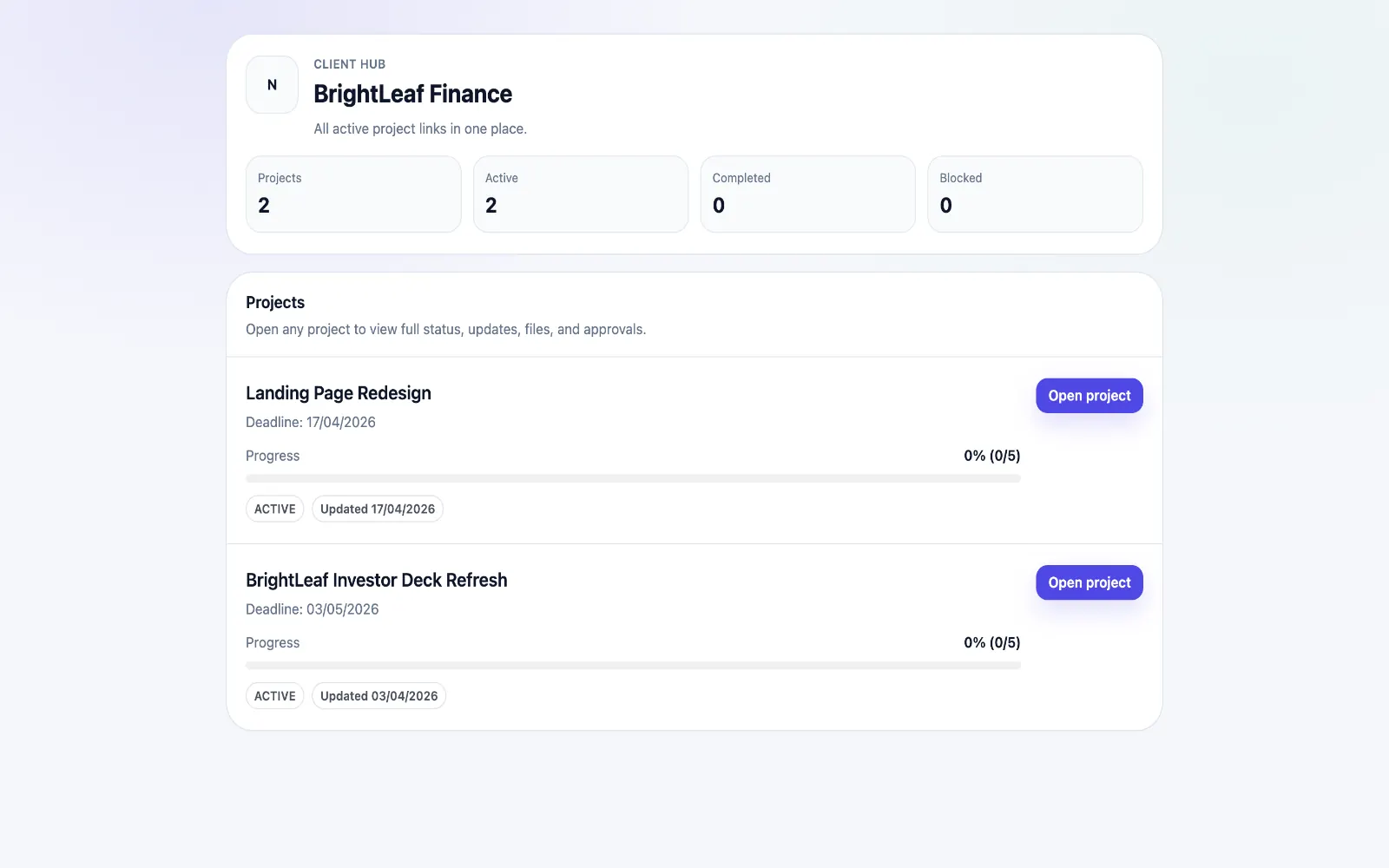
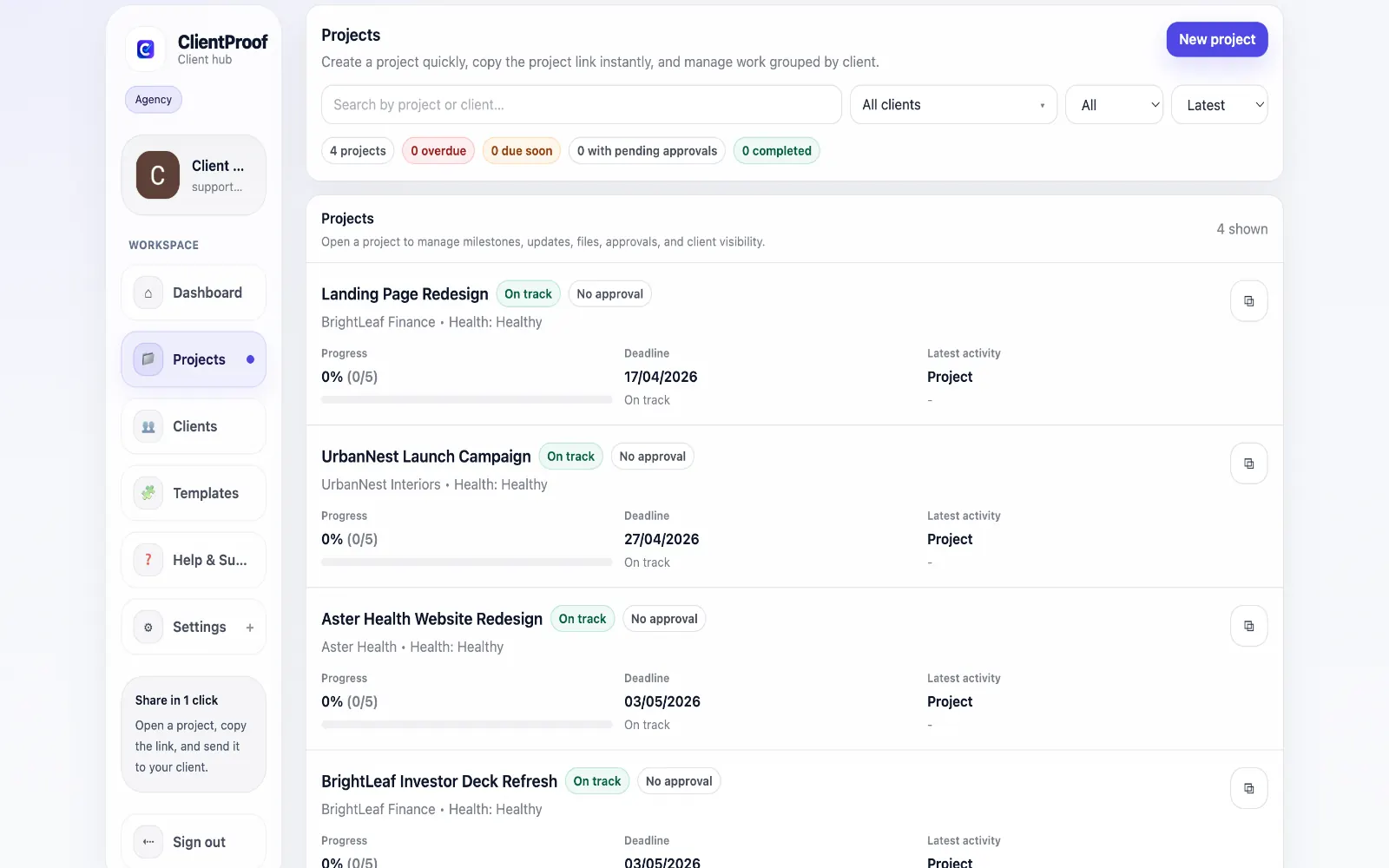
Email is universal but not ideal for structured client delivery. Updates get buried, attachments go out of context, and approval decisions are hard to audit when they are spread across multiple threads. ClientProof creates a persistent delivery destination where clients can self-serve project visibility. Teams publish updates once, attach files to milestones, and request approvals in context so decisions stay clear. For agencies and freelancers, this reduces repetitive recap writing and makes project communication easier for both sides to navigate.
Teams usually adopt this workflow to reduce repeated recap messages, avoid tool-switching confusion, and give clients one clear destination for updates, files, and decisions.
Use this matrix to evaluate whether ClientProof fits your client-delivery workflow better than alternatives.
| Feature | ClientProof | Alternative |
|---|---|---|
| No-login client access | Yes | Varies by tool |
| Status + files in one client view | Built-in | Often split across tools |
| Client approval clarity | Structured | Commonly scattered |
| Setup speed for first project | Fast | Can require extra configuration |
| Best fit | Freelancers and agencies focused on delivery visibility | Other tools |
| Winner | Best for client-facing delivery clarity | Best for broader or internal workflows |
List current friction points in your existing tool stack.
Pilot one project in a delivery-first client page format.
Compare clarity, approval speed, and follow-up volume.
Adopt the workflow that produces cleaner client outcomes.
Email threads are hard to maintain as projects evolve. A live project page keeps updates, files, and approvals organized in one place.
Yes. Teams can still notify clients by email while using the project page as the single source of truth.
Yes. Structured approval records are easier to verify than informal email confirmations.
No. Clients can access shared project pages directly without logging in.
Start free forever and share one clean client link for updates, files, and approvals.