 ClientProof
Decision path
Choose ClientProof if...
- You want clients to see updates, files, and approvals in one link.
- You need faster signoffs with less recap messaging.
- You care about professional delivery visibility without login friction.
ClientProof helps agencies report project progress through a live client portal so stakeholders can self-serve updates, files, and decisions without inbox dependency.
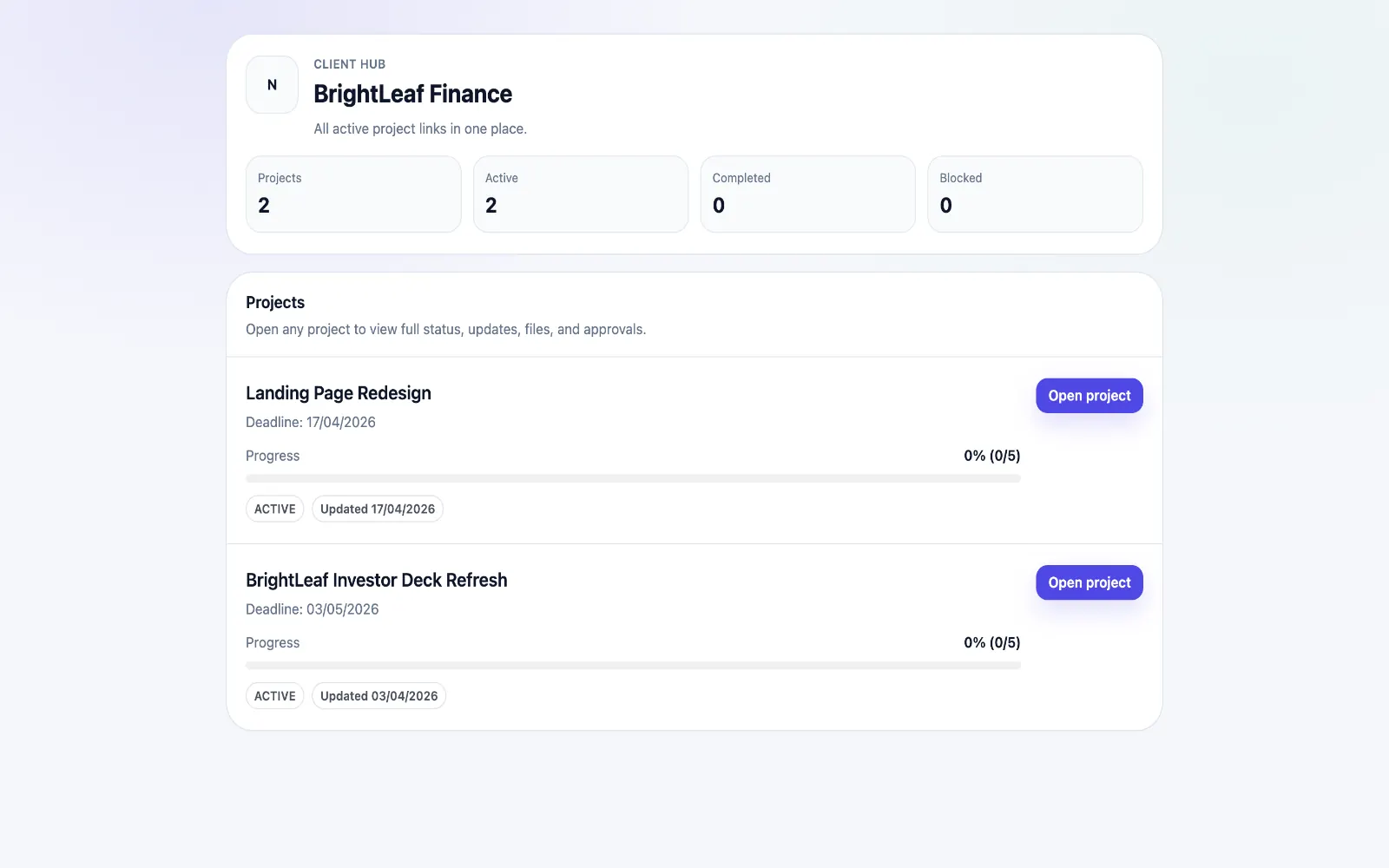
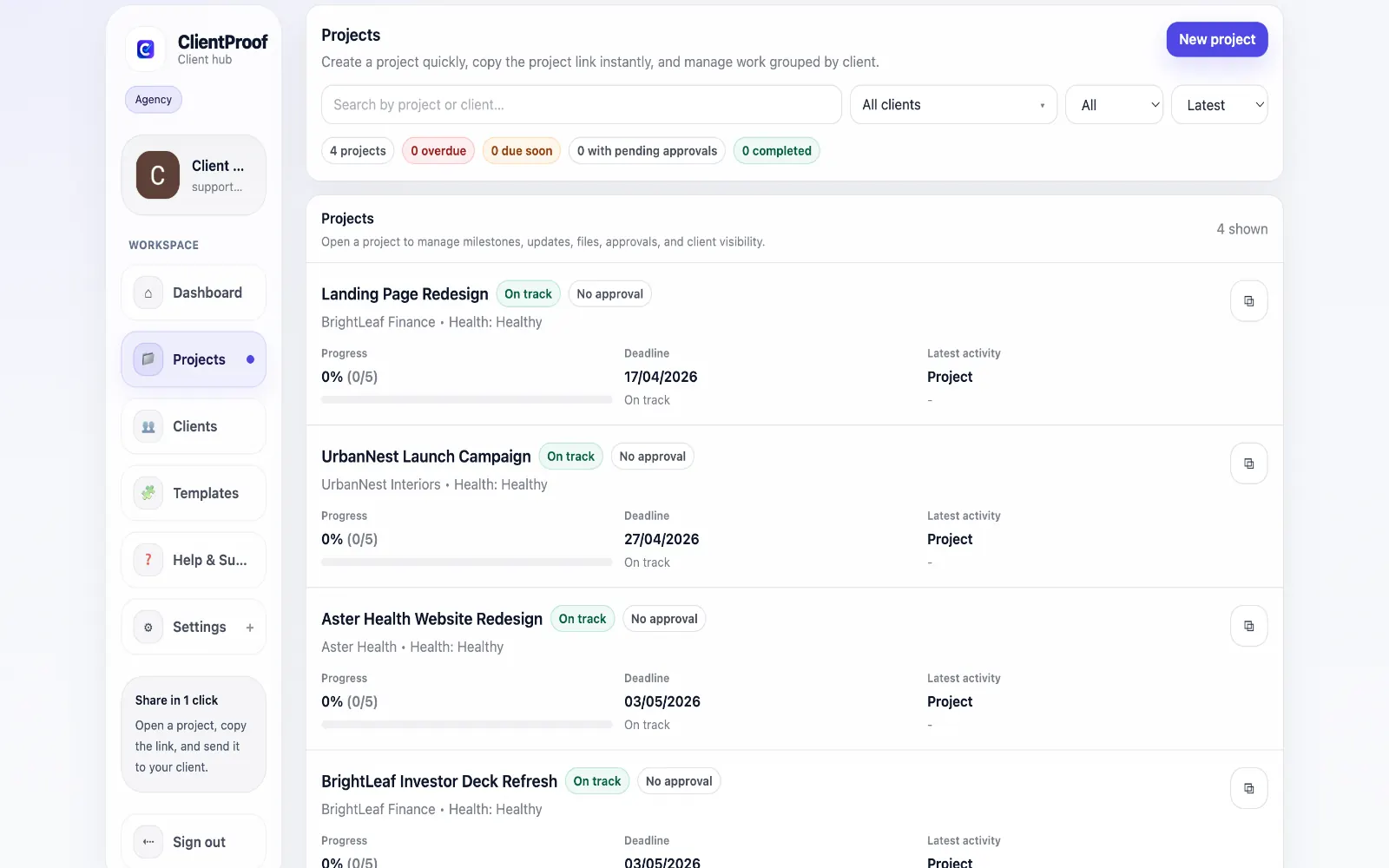
Traditional client reporting often depends on manually written weekly emails that are time-consuming to produce and quickly go stale. As projects evolve, those static summaries create confusion instead of clarity. ClientProof replaces this model with a live reporting page tied to real project activity. Teams publish updates in context, attach relevant deliverables, and keep approval state visible so clients always know what is complete and what needs input. Engagement tracking adds a practical layer for account managers: you can see whether stakeholders are actually reading updates and follow up based on real activity rather than assumptions.
Teams usually adopt this workflow to reduce repeated recap messages, avoid tool-switching confusion, and give clients one clear destination for updates, files, and decisions.
Use this matrix to evaluate whether ClientProof fits your client-delivery workflow better than alternatives.
| Feature | ClientProof | Alternative |
|---|---|---|
| No-login client access | Yes | Varies by tool |
| Status + files in one client view | Built-in | Often split across tools |
| Client approval clarity | Structured | Commonly scattered |
| Setup speed for first project | Fast | Can require extra configuration |
| Best fit | Freelancers and agencies focused on delivery visibility | Other tools |
| Winner | Best for client-facing delivery clarity | Best for broader or internal workflows |
Define the workflow outcome and required client checkpoints.
Map updates, files, and approvals to each project phase.
Launch one client-facing page and route all status communication through it.
Measure fewer clarification messages and faster approvals after rollout.
Live reporting stays current as projects change, while weekly emails are static snapshots that become outdated quickly. This works through a repeatable project page where milestones, files, and approvals stay in context.
Yes. Many teams send short notifications while linking clients to the live project page for full context.
Yes. When clients can self-serve progress visibility, teams typically see fewer routine 'where are we?' messages.
Yes. Engagement tracking provides visibility into client activity so follow-ups can be timed more effectively.
Start free forever and share one clean client link for updates, files, and approvals.