 ClientProof
Decision path
Choose ClientProof if...
- You want clients to see updates, files, and approvals in one link.
- You need faster signoffs with less recap messaging.
- You care about professional delivery visibility without login friction.
ClientProof helps agencies and freelancers deliver website projects with one structured client page covering milestones, design review, development updates, content delivery, and final sign-off.
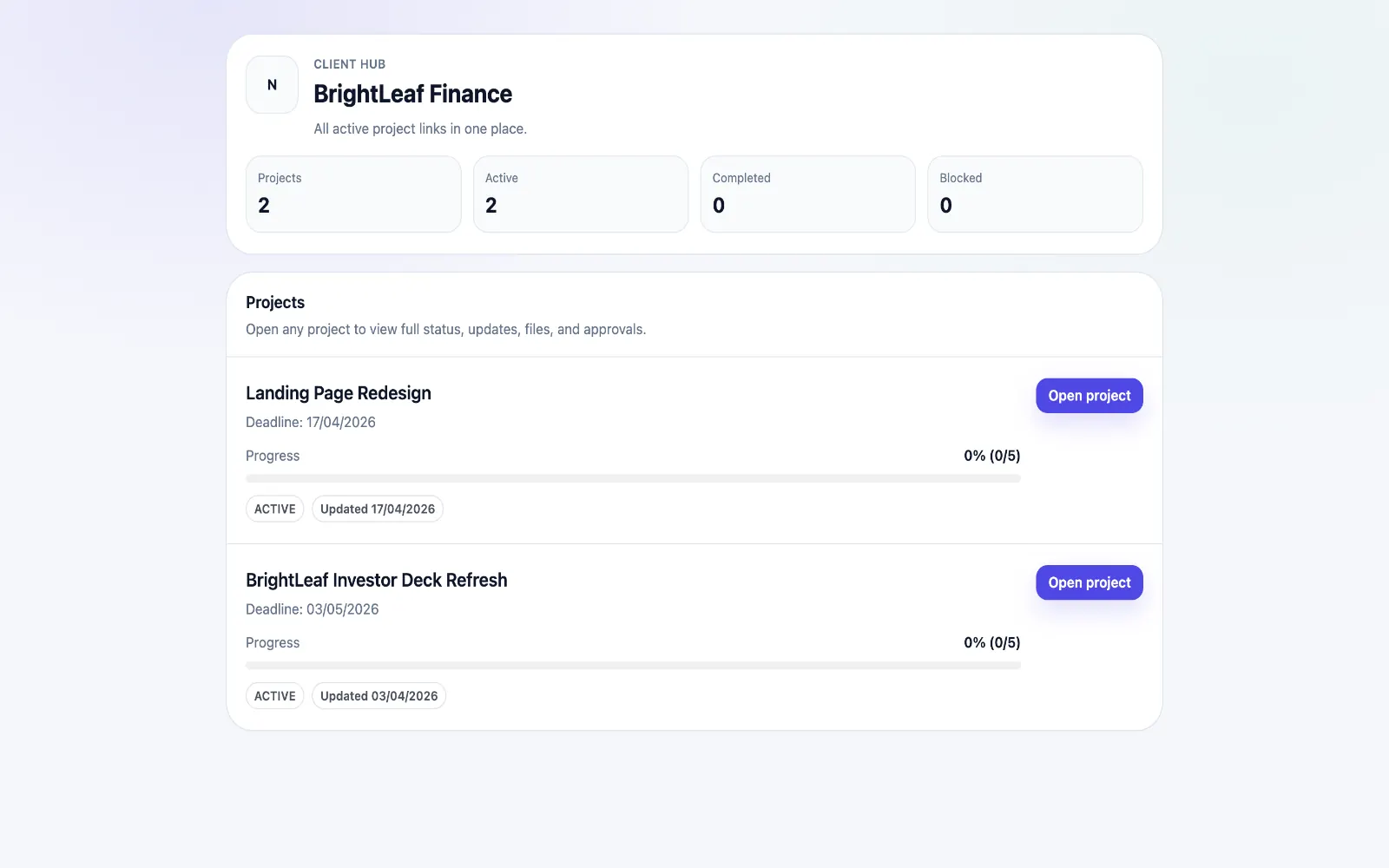
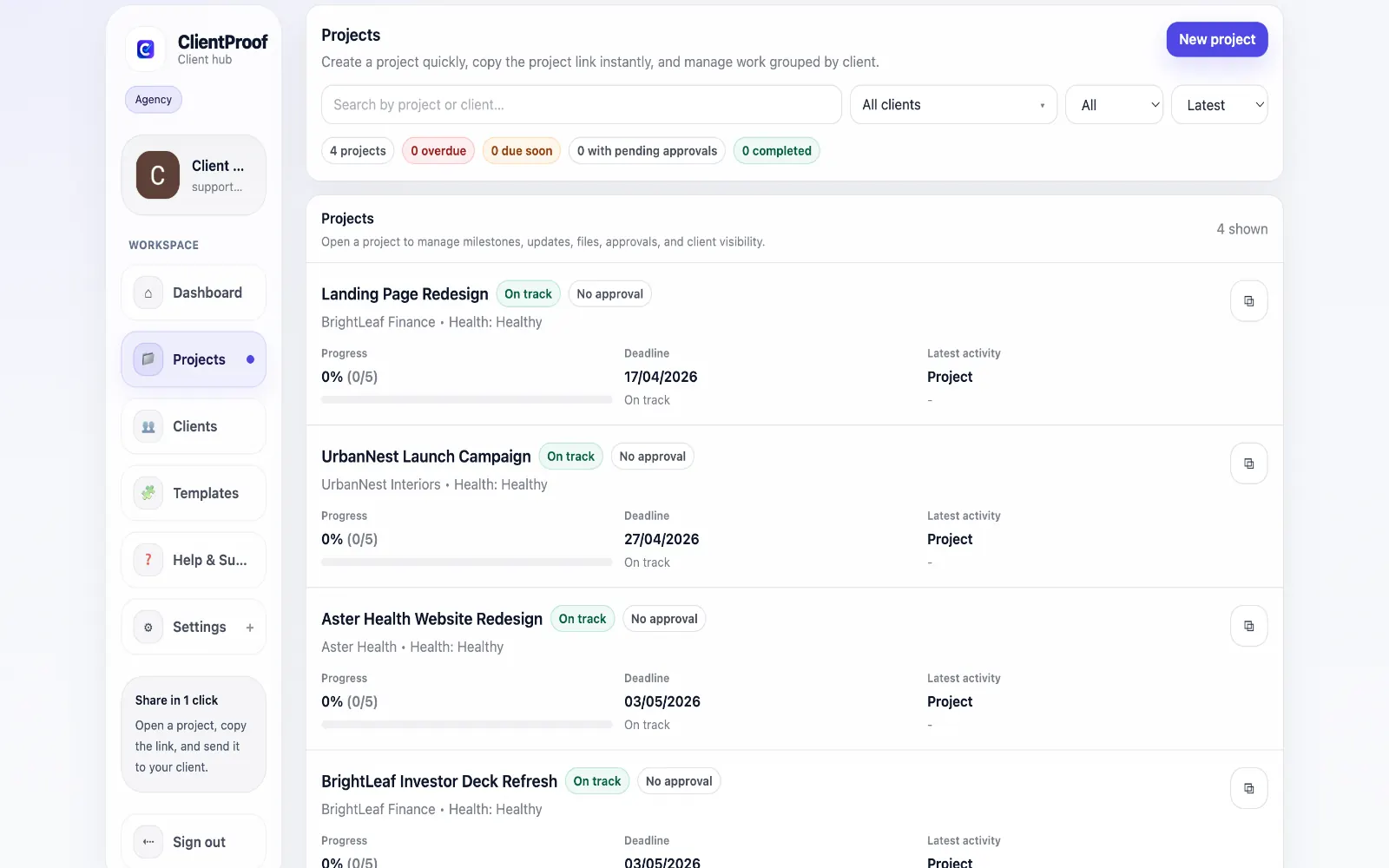
Website projects usually fail at the communication layer, not the execution layer. Discovery notes, design approvals, development updates, and launch checklists get split across multiple channels, and clients struggle to track what is complete versus what still needs a decision. ClientProof centralizes the full website delivery process into one no-login portal. Teams can map milestones for each project phase, attach files and links with context, and request approvals at key checkpoints. Clients can check progress anytime without waiting for summary emails. This structure makes launch handoffs cleaner and reduces avoidable delays caused by missing approvals or unclear ownership of next steps.
Teams usually adopt this workflow to reduce repeated recap messages, avoid tool-switching confusion, and give clients one clear destination for updates, files, and decisions.
Use this matrix to evaluate whether ClientProof fits your client-delivery workflow better than alternatives.
| Feature | ClientProof | Alternative |
|---|---|---|
| No-login client access | Yes | Varies by tool |
| Status + files in one client view | Built-in | Often split across tools |
| Client approval clarity | Structured | Commonly scattered |
| Setup speed for first project | Fast | Can require extra configuration |
| Best fit | Freelancers and agencies focused on delivery visibility | Other tools |
| Winner | Best for client-facing delivery clarity | Best for broader or internal workflows |
Define the workflow outcome and required client checkpoints.
Map updates, files, and approvals to each project phase.
Launch one client-facing page and route all status communication through it.
Measure fewer clarification messages and faster approvals after rollout.
Yes. Teams can structure milestones for each phase and publish updates with files and approvals as the project moves from design to development and launch.
ClientProof keeps approvals and milestone states visible, so teams can verify that required sign-off is complete before launch. This works through a repeatable project page where milestones, files, and approvals stay in context.
No. Clients open one shared link and can review project status, files, and approval requests without logging in.
Yes. The same structure works for both small brochure sites and larger multi-phase web projects.
Start free forever and share one clean client link for updates, files, and approvals.