 ClientProof
Project status updates
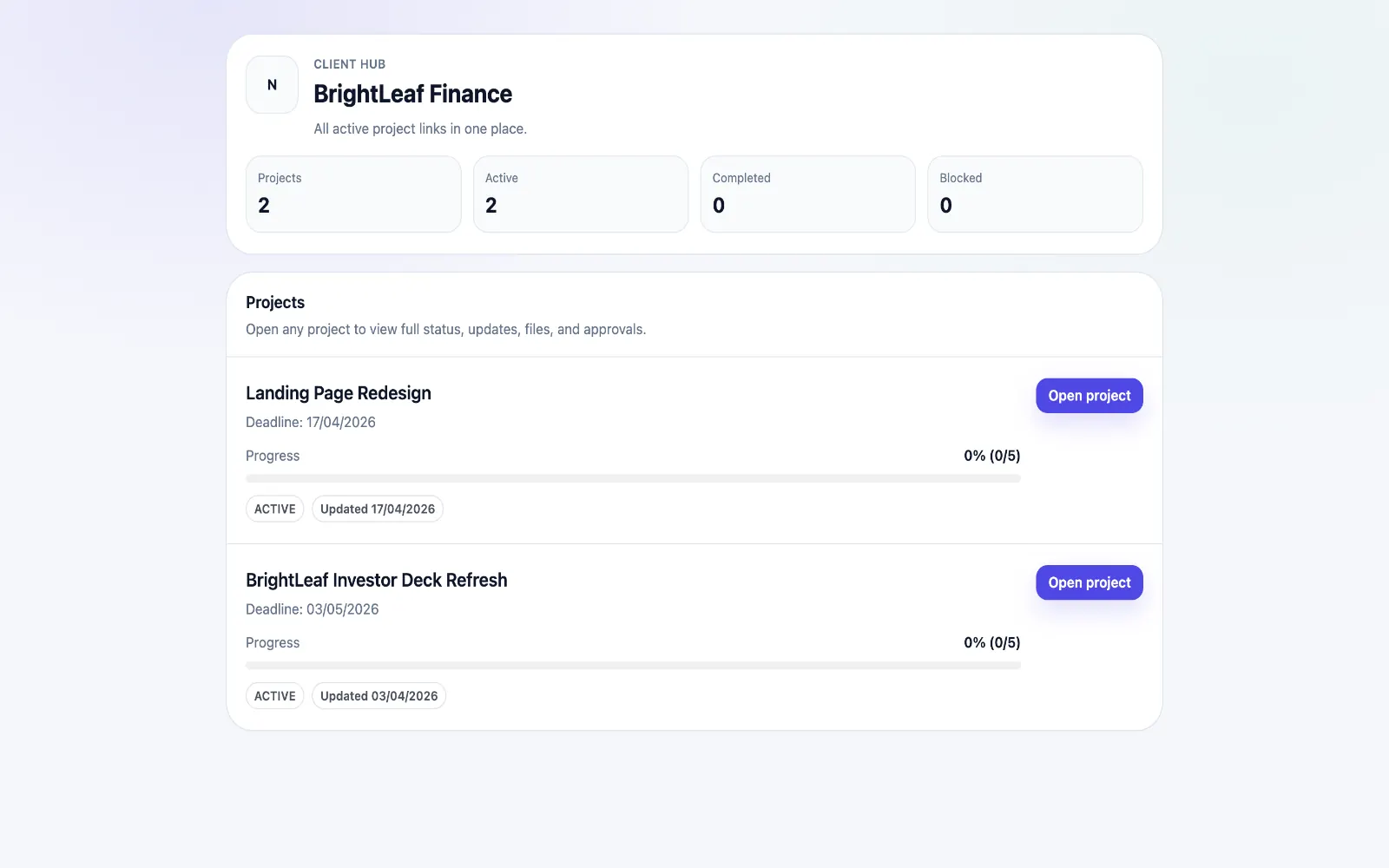
Show clients what changed, what is next, and where the project stands.
Explore project status updatesClientProof helps WordPress developers share staging progress, launch checklists, file handoff, and client approvals through one no-login delivery page clients can actually follow.
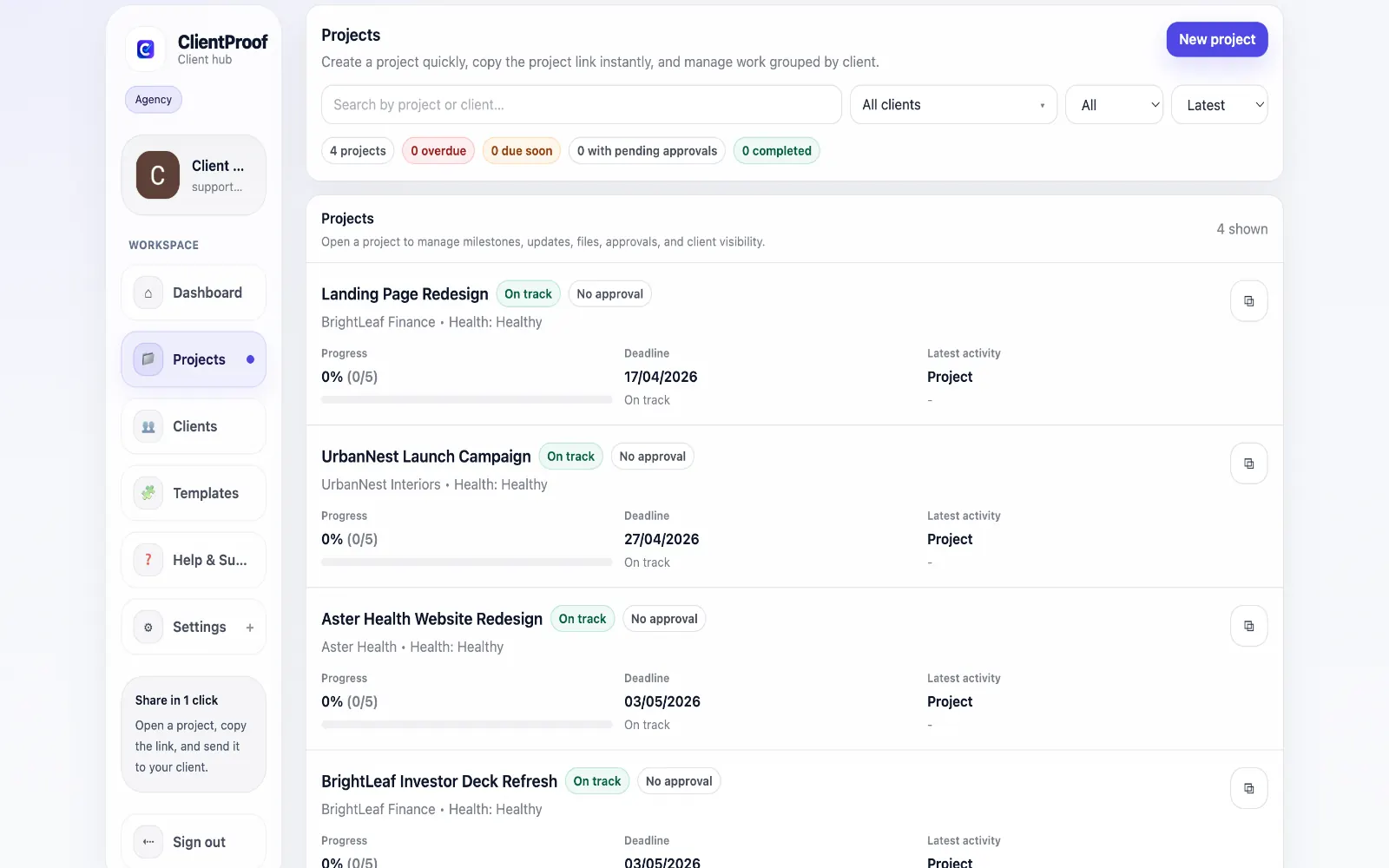
These are the core ClientProof workflows behind the client-facing experience for this audience.
Show clients what changed, what is next, and where the project stands.
Explore project status updatesRequest sign-off from the same no-login project page clients already use.
Explore client approval softwareKeep review rounds, creative files, comments, and final decisions connected.
Explore creative approval softwareGenerate timestamped proof when a client approves a deliverable.
Explore approval receiptsWordPress projects involve many client-facing checkpoints: sitemap approval, design review, staging feedback, content handoff, plugin decisions, launch readiness, training files, and final approval. Developers often manage the actual work in GitHub, local environments, hosting dashboards, page builders, issue trackers, and internal notes. Clients should not have to navigate that stack to know what is happening. ClientProof gives WordPress developers a simple delivery layer that sits outside the technical workflow. You can create milestones for discovery, design, build, staging review, revisions, launch, and handoff. Each milestone can include a plain-language update, staging URL, uploaded files, or approval request. The client sees one organized page instead of scattered links across email and chat. This helps reduce the recurring WordPress project friction that drains developer time. Clients ask where the staging link is, whether the latest change is live, which assets are still missing, or whether launch is approved. A persistent ClientProof page answers those questions in one place and keeps the final decision history attached to the project. ClientProof is not a replacement for WordPress, hosting, Git, project management, or maintenance tools. It is the professional client-facing layer for delivery communication. That distinction is useful for freelance WordPress developers and small studios that want clients to feel informed without giving them access to internal systems. The launch phase is where this structure becomes especially useful. A developer can publish a launch-readiness milestone with staging URL, known limitations, content still needed, plugin or hosting notes, and the exact approval request required before pushing live. Clients can review the page without being dropped into a technical checklist they do not understand. After launch, the same project page becomes a handoff hub. Training resources, login handoff notes, backup instructions, maintenance scope, and final deliverables can live beside the approval receipt. That gives the client a clean reference and gives the developer a documented boundary between project delivery and future maintenance requests. For WordPress retainers, the same structure can continue after launch. Maintenance updates, content changes, plugin work, performance fixes, and small improvement requests can be posted as milestones or updates. Clients get a calm record of what changed without needing access to tickets, hosting dashboards, or developer notes. The result is a more professional boundary: technical work stays in developer tools, while client decisions stay in a simple approval record the client can understand.
Teams usually adopt this workflow to reduce repeated recap messages, avoid tool-switching confusion, and give clients one clear destination for updates, files, and decisions.
Use this matrix to evaluate whether ClientProof fits your client-delivery workflow better than alternatives.
| Feature | ClientProof | Alternative |
|---|---|---|
| WordPress staging review | Plain-language milestone with staging link | Often scattered across email |
| Launch approval receipt | Yes - timestamped | Usually manual |
| No-login client access | Yes | Plugin portals usually require login |
| WordPress implementation work | No | WordPress and developer tools handle this |
| Best for | Client-facing WordPress delivery and sign-off | Site building and internal development |
Create milestones for discovery, design, build, staging review, launch approval, and handoff.
Publish staging links and change summaries in language the client can understand.
Attach launch checklists, training files, exports, or documentation to the relevant phase.
Collect final approval before launch and keep the receipt with the project history.
Yes. Staging URLs can be included in updates, milestones, or handoff notes so clients always know which link to review.
Yes. Create an approval request for launch readiness or final handoff. The client can approve from the no-login project page, and ClientProof records the decision.
ClientProof is a standalone delivery portal, not a WordPress plugin. It is useful when you want a client-facing project page without installing, configuring, or maintaining portal features inside WordPress.
Yes. You can attach training resources, access notes, final files, and launch summaries to a handoff milestone so the client has a clear reference after launch.
Start free forever and share one clean client link for updates, files, and approvals.