 ClientProof
Decision path
Choose ClientProof if...
- You want clients to see updates, files, and approvals in one link.
- You need faster signoffs with less recap messaging.
- You care about professional delivery visibility without login friction.
Review cycles break when files, comments, and decisions live in different places. ClientProof gives teams one shared review link where clients can view work in context, request revisions, and approve without email threads or account setup.
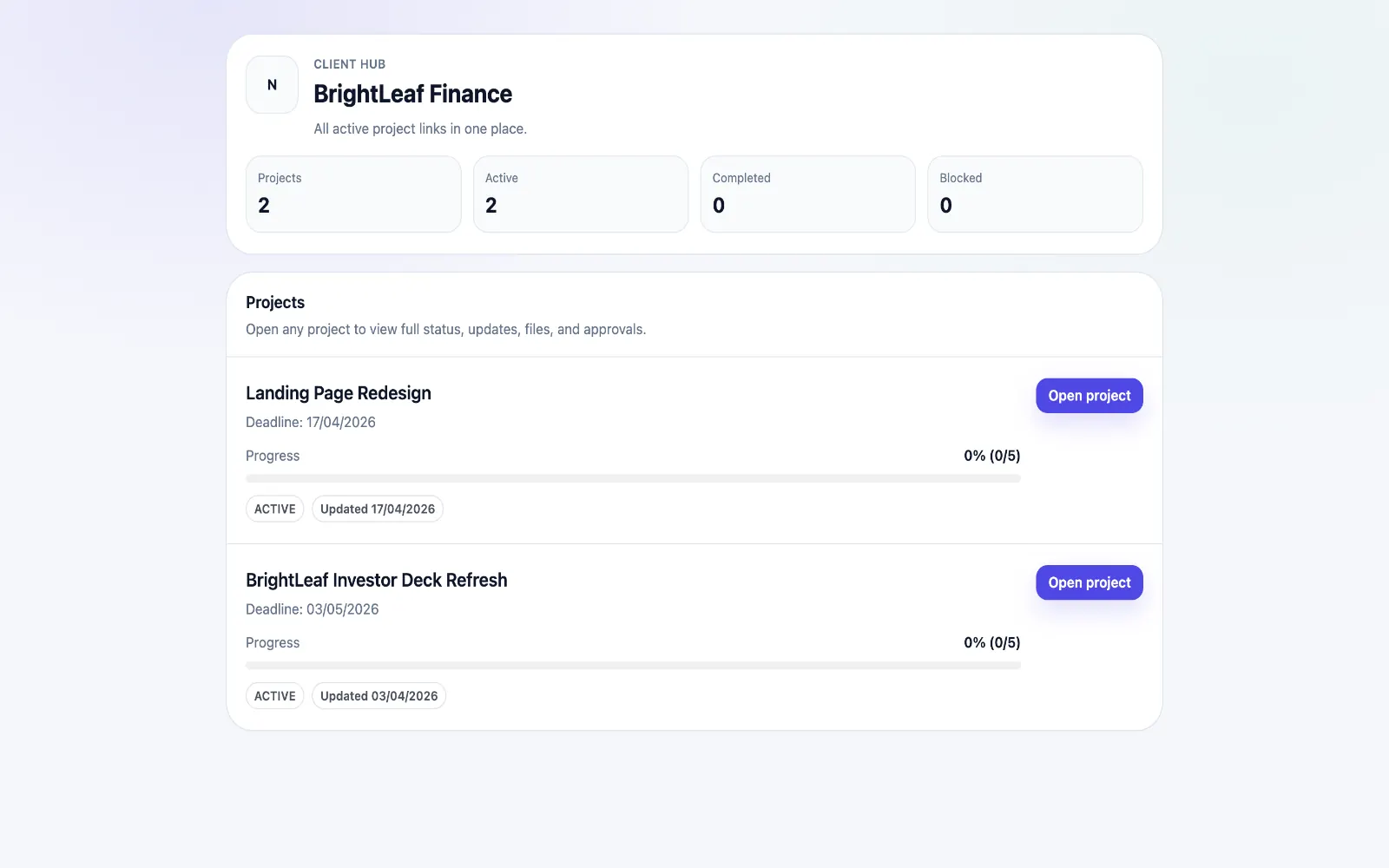
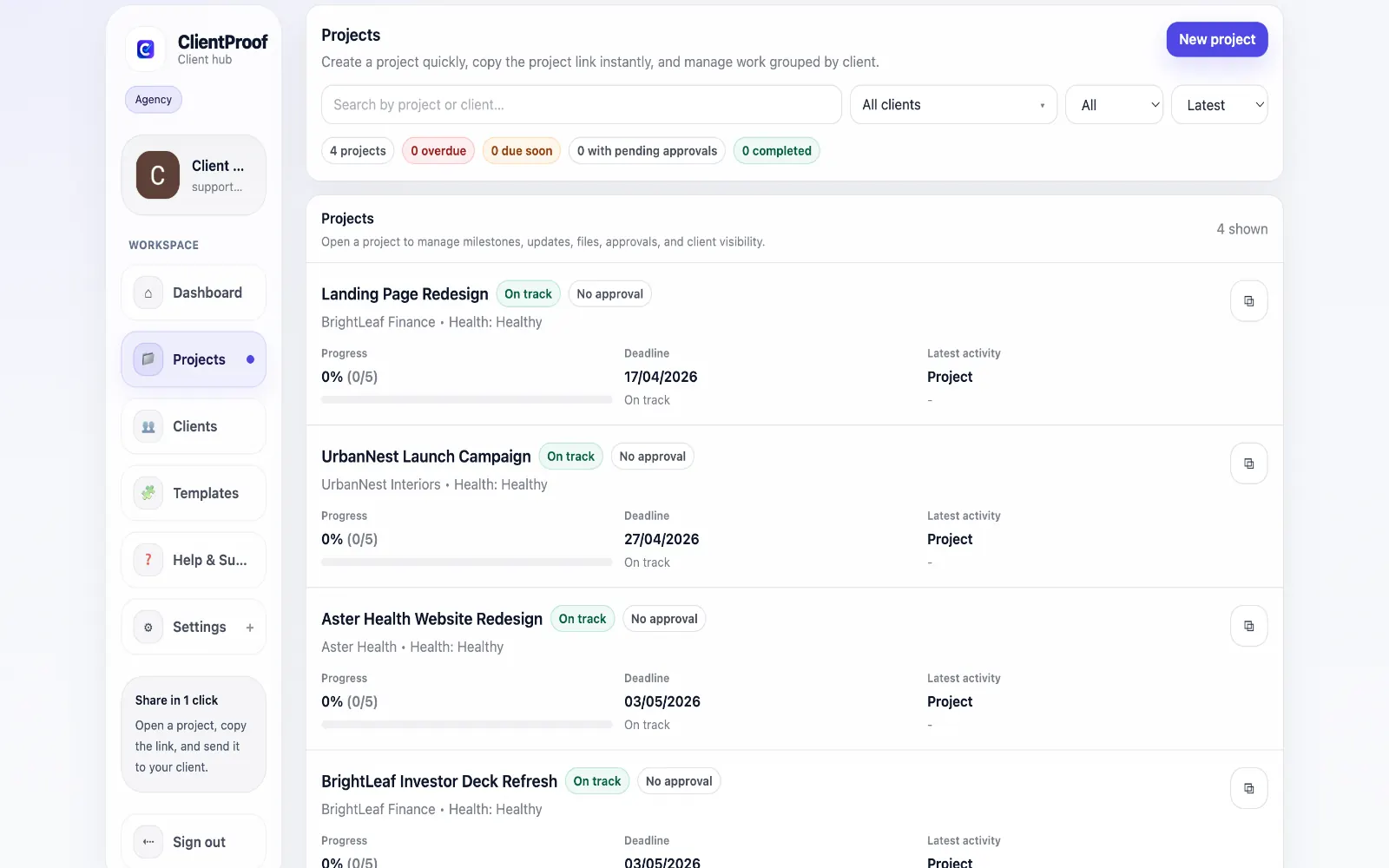
Most creative delivery friction happens before final approval. Stakeholders are unclear on version status, feedback arrives in disconnected channels, and teams lose time translating scattered notes into actionable revisions. A client online proofing workflow should fix this stage first. ClientProof keeps the review loop structured. Each deliverable sits inside project context with milestone status, notes, and a clear review request. Clients can comment and request changes from the same shared page where files live, so teams avoid the attachment-forwarding cycle that usually causes confusion. When revisions are complete, the same workflow transitions naturally into approval. Teams keep one continuous timeline from first review to final sign-off, including timestamps and decision history. This continuity improves accountability, lowers turnaround time, and reduces the risk of shipping from the wrong version.
Teams usually adopt this workflow to reduce repeated recap messages, avoid tool-switching confusion, and give clients one clear destination for updates, files, and decisions.
Client online proofing owns the review-before-approval workflow: stakeholders view work, request changes, and move the correct version toward final sign-off.
| Feature | ClientProof | Email + attachments |
|---|---|---|
| Primary intent | Client proofing and approval in one link | Review comments split across email |
| Proof review context | Built-in | Often split across attachments |
| Client login required | No | No, but inbox context gets messy |
| Revision history | Version-aware timeline | Manual file naming |
| Final approval path | Built-in | Manual reply required |
| Best fit | Creative review cycles before final sign-off | One-off comments on simple files |
Upload the creative proof or deliverable version that needs review.
Add context about what changed, what feedback is needed, and when a decision is due.
Share one no-login proofing link with all client stakeholders.
Collect review comments or revision requests in the same project timeline.
Move the approved proof into the final client approval workflow when it is ready.
Client online proofing is a workflow for sharing creative deliverables through a single review link where stakeholders can view work, request revisions, and confirm readiness before final approval. This gives clients a clear source of truth for status, files, and pending decisions.
No. ClientProof uses a no-login review model, so stakeholders open one link and review deliverables without account setup.
Proofing is the review-and-revision stage before sign-off. Approval is the final decision event. ClientProof supports both in one continuous timeline.
Yes. Teams can keep revision context tied to each deliverable so there is a clear record of what changed and which version moved to approval.
Yes. Centralized proofing links help agencies coordinate feedback from multiple client-side reviewers without losing context across channels.
Start free forever and share one clean client link for updates, files, and approvals.