 ClientProof
Decision path
Choose ClientProof if...
- You want clients to see updates, files, and approvals in one link.
- You need faster signoffs with less recap messaging.
- You care about professional delivery visibility without login friction.
ClientProof supports end-of-project handoff with a one-click report that summarizes milestones, updates, files, and approvals in a client-ready format.
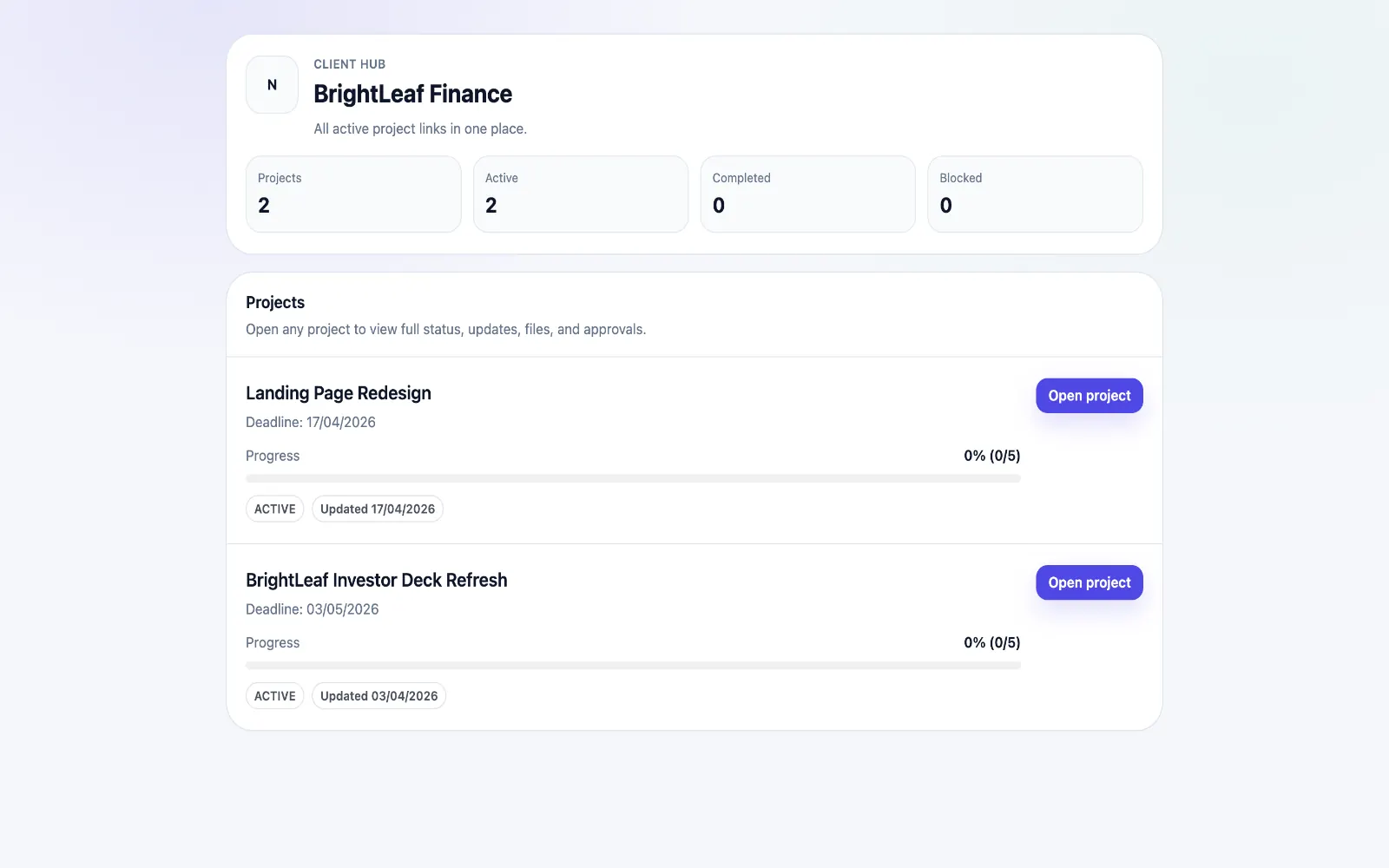
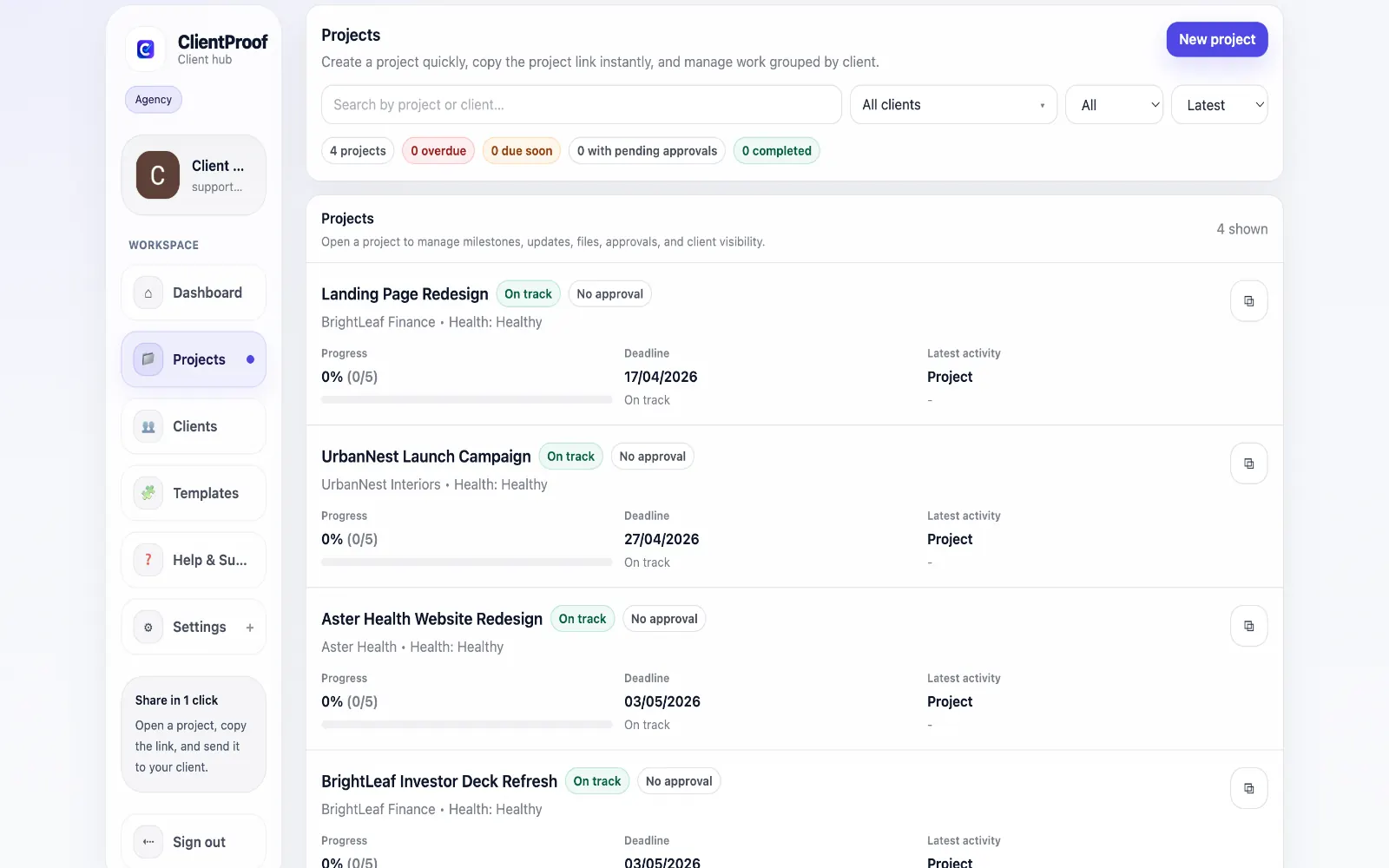
Many projects finish with incomplete closeout documentation. Teams send a final email, attach files, and move on, but clients are left without a structured record of what was delivered and approved. ClientProof provides a complete handoff workflow by combining delivery history with a printable project report. Agencies can generate a consistent summary at closeout and share it with clients as a formal project record. This improves professionalism, reduces post-project confusion, and creates a reliable paper trail for both client and team.
Teams usually adopt this workflow to reduce repeated recap messages, avoid tool-switching confusion, and give clients one clear destination for updates, files, and decisions.
Use this matrix to evaluate whether ClientProof fits your client-delivery workflow better than alternatives.
| Feature | ClientProof | Alternative |
|---|---|---|
| No-login client access | Yes | Varies by tool |
| Status + files in one client view | Built-in | Often split across tools |
| Client approval clarity | Structured | Commonly scattered |
| Setup speed for first project | Fast | Can require extra configuration |
| Best fit | Freelancers and agencies focused on delivery visibility | Other tools |
| Winner | Best for client-facing delivery clarity | Best for broader or internal workflows |
Define the workflow outcome and required client checkpoints.
Map updates, files, and approvals to each project phase.
Launch one client-facing page and route all status communication through it.
Measure fewer clarification messages and faster approvals after rollout.
A strong handoff includes milestone completion status, delivered files, key updates, and approval decisions so clients have a complete project record. This gives clients a clear source of truth for status, files, and pending decisions.
Yes. Teams can generate a printable report from project data without manually rebuilding a summary from emails and notes.
Yes. The same handoff report can be archived internally for reference, quality assurance, and future project planning.
Yes. Reports can be generated mid-project for stakeholder briefings and progress snapshots.
Start free forever and share one clean client link for updates, files, and approvals.