 ClientProof
Project status updates
Show clients what changed, what is next, and where the project stands.
Explore project status updatesClientProof gives brand designers one polished client portal for presenting concepts, sharing brand assets, tracking revision rounds, and collecting final sign-off without asking clients to create an account.
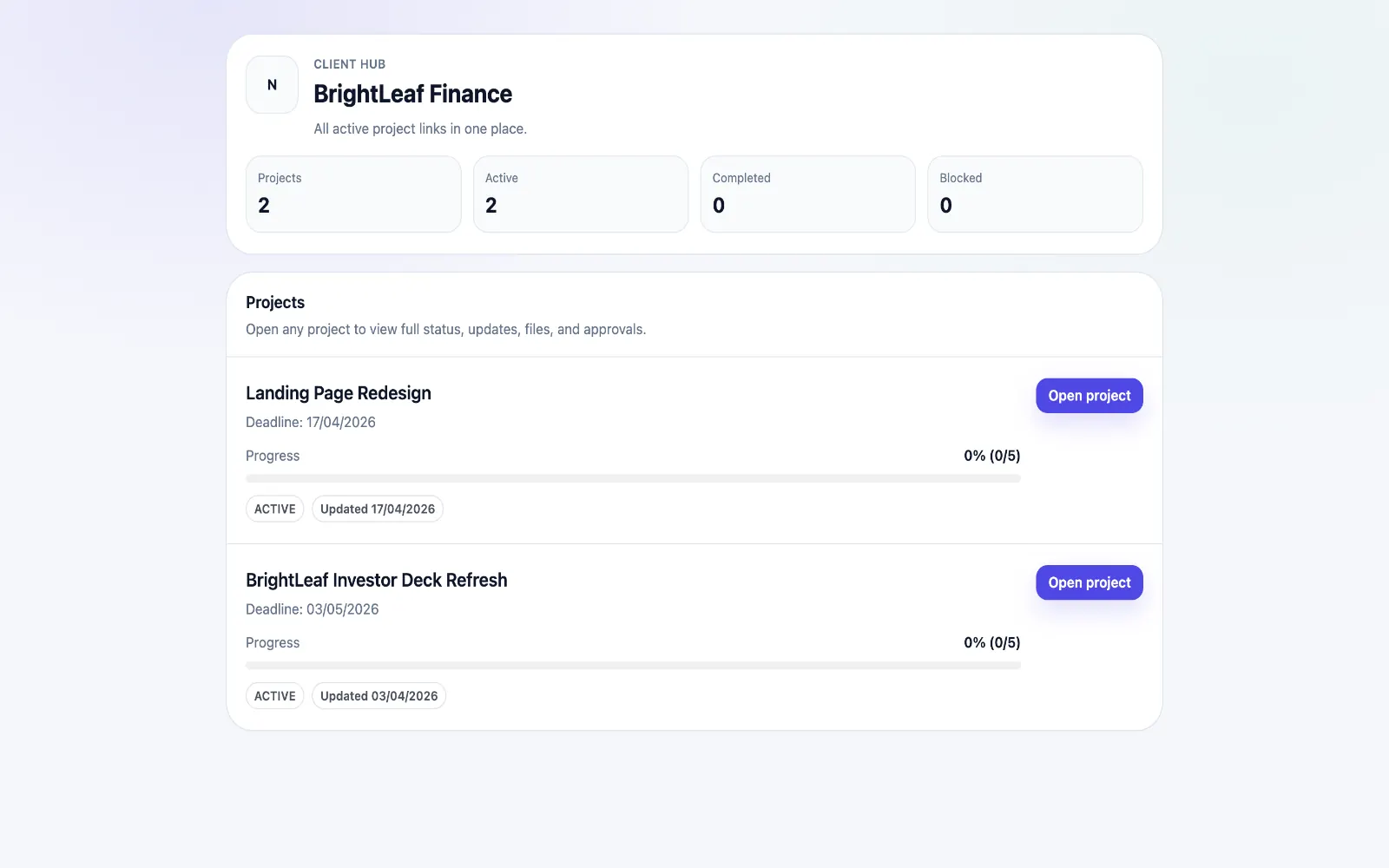
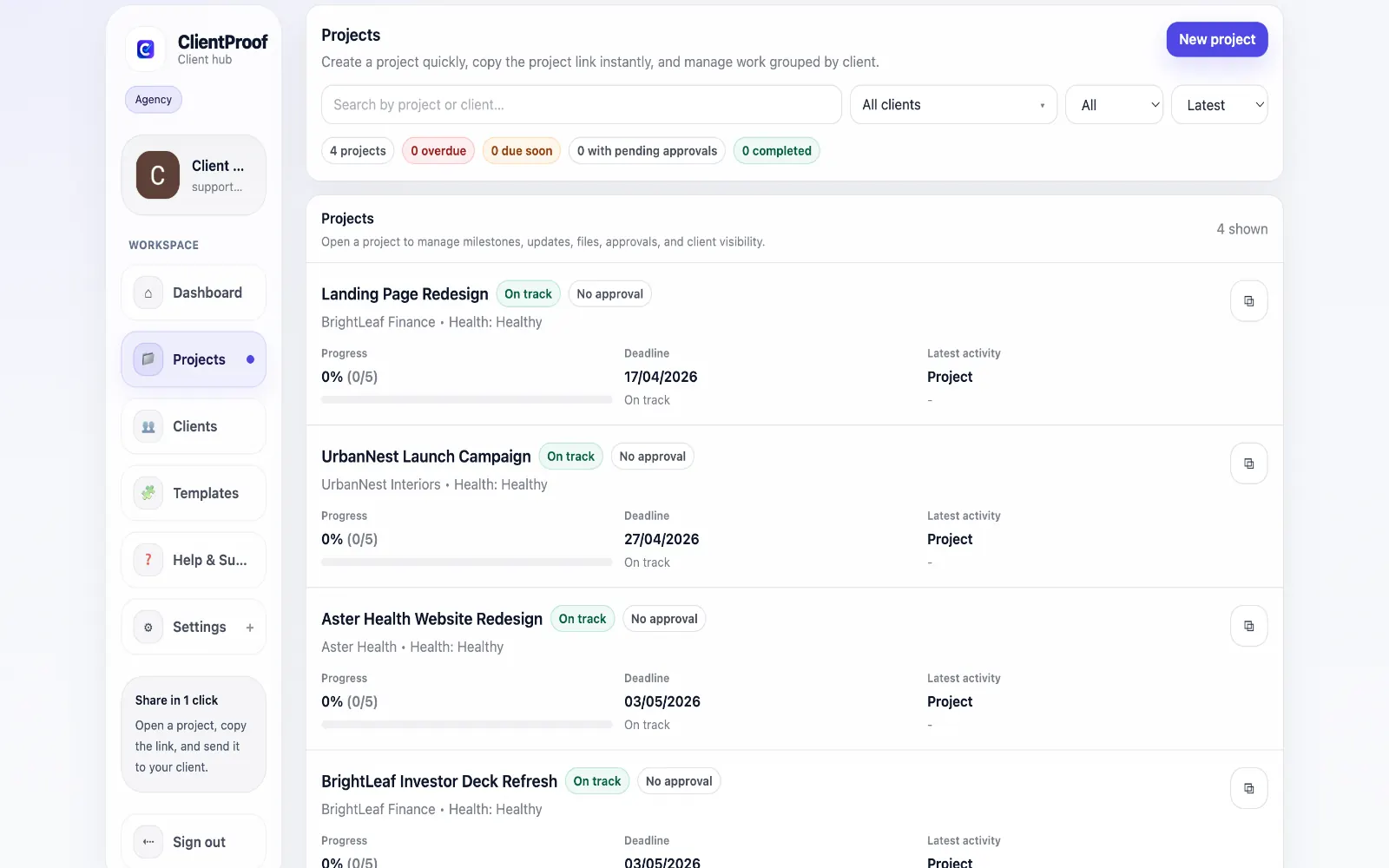
These are the core ClientProof workflows behind the client-facing experience for this audience.
Show clients what changed, what is next, and where the project stands.
Explore project status updatesRequest sign-off from the same no-login project page clients already use.
Explore client approval softwareKeep review rounds, creative files, comments, and final decisions connected.
Explore creative approval softwareGenerate timestamped proof when a client approves a deliverable.
Explore approval receiptsBrand identity projects are unusually sensitive to context. A logo mark, color palette, type system, or guideline document rarely stands alone; clients need to understand the phase, the rationale, the current version, and the decision being requested. When that process happens through scattered email attachments, Figma comments, Drive folders, and chat threads, clients can approve the wrong version or revive feedback from an earlier round. ClientProof gives brand designers a delivery page that mirrors the way identity work actually moves. Discovery, concept exploration, chosen direction, refinement, final assets, and brand guideline handoff can each become a milestone. Files sit beside the relevant update, so the client sees why a deliverable matters and what action is needed. Approval requests are tied to the specific concept or final asset package rather than floating in an inbox. The no-login workflow matters for brand work because many approvals involve founders, executives, or non-design stakeholders who are not inside your design tools every day. They do not need a full project-management account to review a logo route or approve a brand guide. They need a clean link, simple context, and a clear approve/request-changes action. For freelance brand designers and small studios, this also creates a better handoff record. Months after launch, both sides can see which logo files were delivered, which brand guideline version was approved, and when the client signed off. That clarity protects scope, reduces re-send requests, and makes the project feel more premium. A good brand portal also helps clients respect the sequence of the project. Concept approval should happen before final asset production. Brand guide approval should happen before handoff. Final file delivery should happen after the agreed identity system is locked. When those stages are visible in one place, clients are less likely to collapse every decision into one vague feedback thread. Brand designers can use ClientProof to make that sequence explicit without sounding rigid. Each milestone can explain what the client is reviewing, what is not yet open for feedback, and what happens after approval. That turns the project page into a calm decision path: review the concept, approve the direction, review refinements, approve final assets, then download the complete brand kit. It is a small operational detail, but it makes the whole engagement feel more senior.
Teams usually adopt this workflow to reduce repeated recap messages, avoid tool-switching confusion, and give clients one clear destination for updates, files, and decisions.
Use this matrix to evaluate whether ClientProof fits your client-delivery workflow better than alternatives.
| Feature | ClientProof | Alternative |
|---|---|---|
| Logo and identity approval context | Milestone-based | Often split across design comments and email |
| No-login executive review | Yes | Varies by tool |
| Final brand file handoff | Organized in one client page | Usually folder-based |
| Approval receipt | Yes - timestamped | Usually manual |
| Best for | Brand designers needing clean client sign-off | Internal design collaboration |
Create milestones for discovery, concepts, refinement, approval, and final brand handoff.
Attach each logo route, guideline draft, or asset package to the correct milestone.
Request approval only when the client has the right context for the design decision.
Use the final approval receipt as the record of sign-off before delivering final brand files.
Yes. Each concept round can be added to a milestone with files, context, and an approval request. Clients approve the chosen direction or request changes from the same no-login project page.
No. Designers can keep creating work in Figma, Adobe tools, or their preferred design stack. ClientProof is the client-facing delivery and approval layer that presents the work clearly.
Yes. Final guideline PDFs, logo exports, font notes, color values, and supporting files can be attached to a final handoff milestone so the client has one organized reference.
Approval receipts record who approved a deliverable and when. That gives both designer and client a clearer history of the agreed direction, final files, and signed-off project stage.
Start free forever and share one clean client link for updates, files, and approvals.