 ClientProof
Decision path
Choose ClientProof if...
- You want clients to see updates, files, and approvals in one link.
- You need faster signoffs with less recap messaging.
- You care about professional delivery visibility without login friction.
ClientProof provides a client onboarding portal that gives new clients one clear destination for kickoff details.
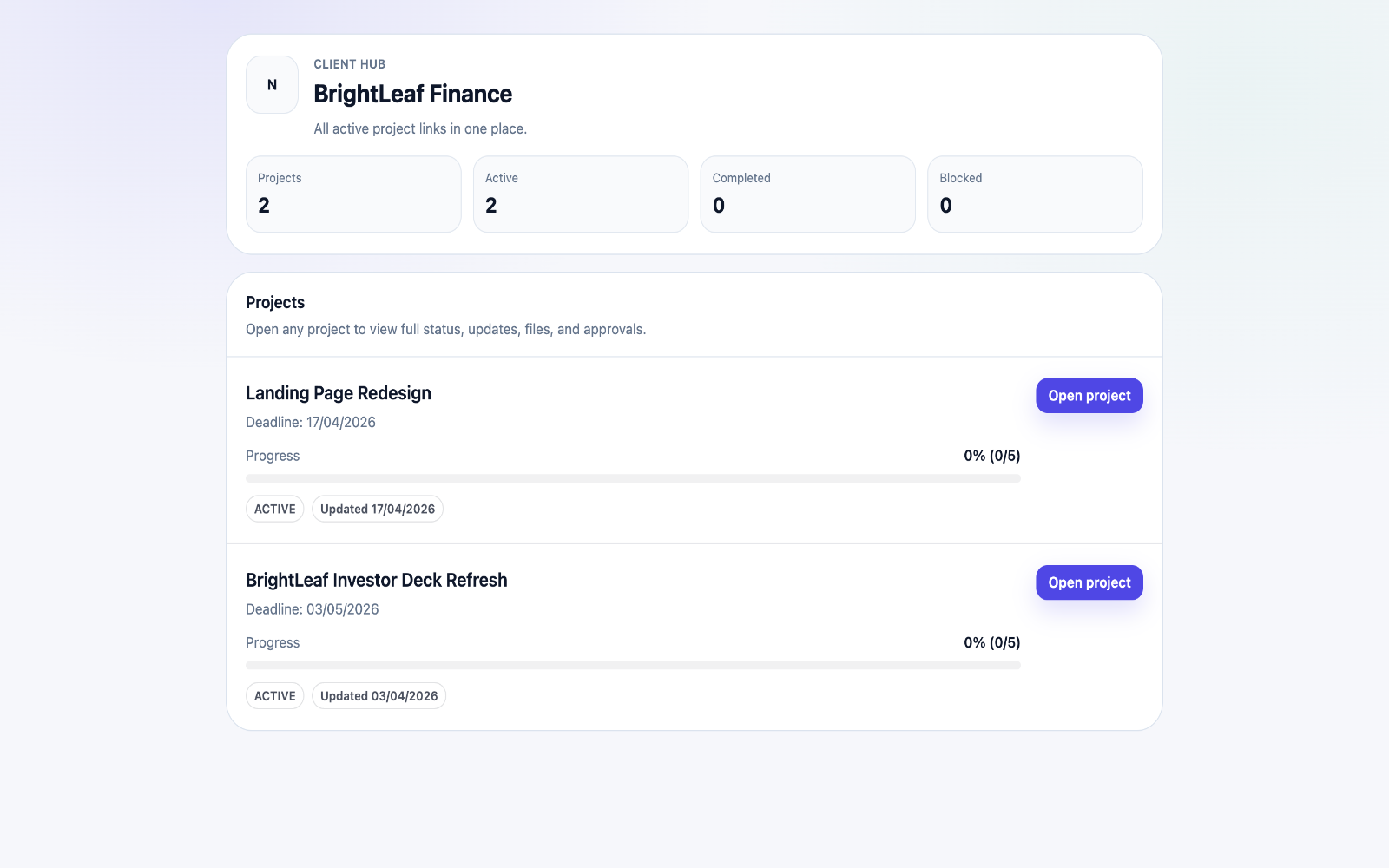

Set expectations early by publishing milestones, required inputs, and communication rhythm in one place.
Teams usually adopt this workflow to reduce repeated recap messages, avoid tool-switching confusion, and give clients one clear destination for updates, files, and decisions.
Use this matrix to evaluate whether ClientProof fits your client-delivery workflow better than alternatives.
| Feature | ClientProof | Alternative |
|---|---|---|
| No-login client access | Yes | Varies by tool |
| Status + files in one client view | Built-in | Often split across tools |
| Client approval clarity | Structured | Commonly scattered |
| Setup speed for first project | Fast | Can require extra configuration |
| Best fit | Freelancers and agencies focused on delivery visibility | Other tools |
| Winner | Best for client-facing delivery clarity | Best for broader or internal workflows |
Define the workflow outcome and required client checkpoints.
Map updates, files, and approvals to each project phase.
Launch one client-facing page and route all status communication through it.
Measure fewer clarification messages and faster approvals after rollout.
Yes. Teams can include onboarding tasks and milestones in one page.
No. They can open the link directly without login.
Yes. It supports a consistent onboarding communication pattern.
Start your 14-day trial and share one clean client link for updates, files, and approvals.